%20(2).avif)
%20transparent.avif)

How to Run LTX 2.5 Locally: Free AI Video With Sound
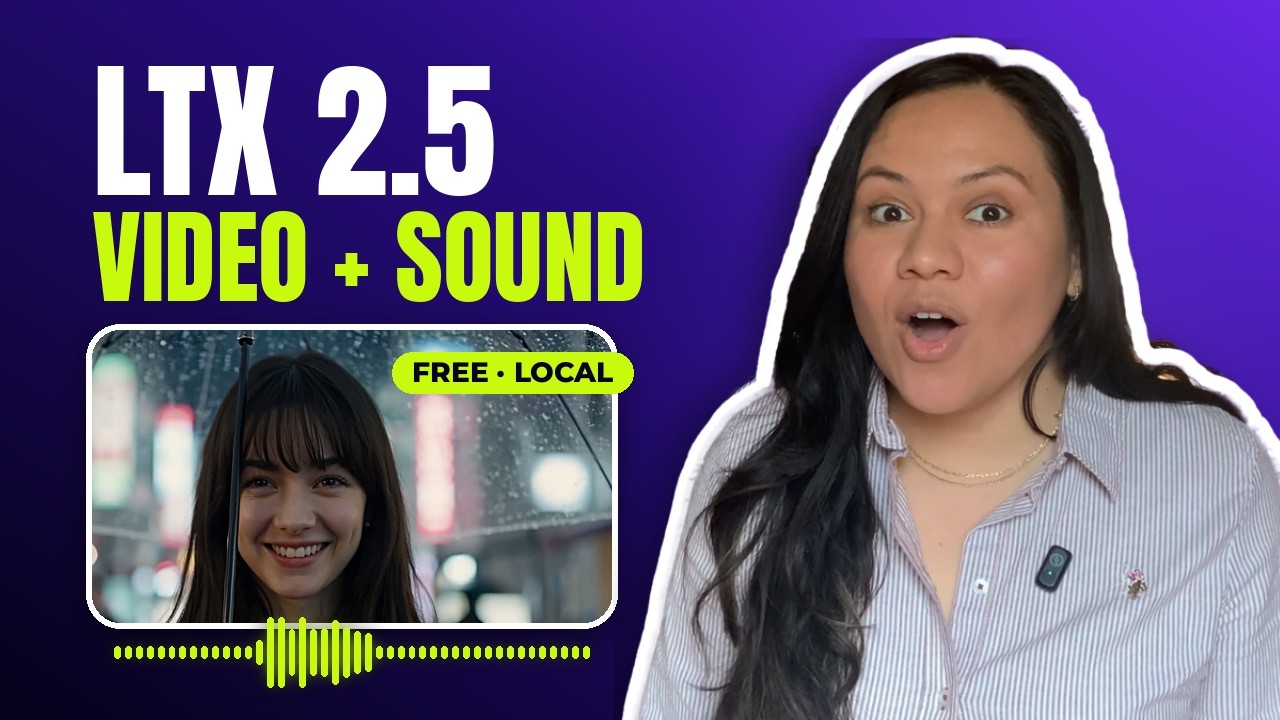
Short answer: LTX 2.5 is a free, open AI video model that makes the picture and the sound — voices, effects, ambience — from one prompt, on your own computer. In Promptus, add your Hugging Face token, install an LTX 2.5 CosyTemplate, and write the prompt like a tiny film script. If you need it faster, make the clip shorter or smaller; a shorter prompt doesn’t help.
1. Install it
- In Promptus, open CosyTemplates and search LTX. There are LTX 2.5 templates for text to video, image to video and first and last frame.
- Click Install Locally. Promptus puts every file in the right folder; the biggest is about 21.5 GB, so start it and make a coffee.
- Choose Run offline in Playground and check the Local badge: it runs on your own graphics card, nothing is uploaded and nothing is charged per clip.
| CosyTemplate | Plain ComfyUI workflow | |
|---|---|---|
| Model files | Downloaded and placed for you | You download each file and put it in the right folder |
| Gated models | Needs your Hugging Face token | Needs your Hugging Face login or token |
| Canvas | Full ComfyUI canvas built in | ComfyUI canvas |
2. Write the prompt like a film script
Say who is in the shot, what they do, what they say, and what we hear. The example: an old lighthouse keeper in a storm, who says one line — “She’s coming in tonight.” — over thunder, wind and the waves underneath. On the default length and size, LTX 2.5 delivered the line, the thunder, the wind and the waves from that one prompt.
3. Make it faster
All times from an RTX 5090 Laptop GPU (24 GB); length and size are under the template’s advanced options.
| Change | Time | Effect |
|---|---|---|
| Default length and size | 54.2 s | Baseline |
| Half the length | 33.1 s | About 40% faster |
| About half the pixels | 33.5 s | About 40% faster |
| One short sentence instead of a paragraph | Almost no change | Not worth it |
| A brand-new prompt | About 20 s extra | The new prompt has to be read in first |
Memory: every setting used 22 to 23.5 GB of video memory, so it may not fit on a smaller card. If you try it on one, the video asks you to report how it went.
How one model makes the sound too
Many AI video models are silent: you make the picture, then add sound with something else. LTX 2.5 makes picture and sound together in the same steps — which is why the thunder lands on the lightning. In the workflow you can see one model in the middle and two decoders at the end: one turns the model’s compressed result back into video, the other into audio.
LTX 2.5 vs MiniMax H3
Same picture, same prompt (“Told you it would rain.”), same laptop:
| LTX 2.5 | MiniMax H3 | |
|---|---|---|
| Time for one clip | 1 min 14 s | 2 min 48 s |
| Camera | Pushed in; she looked straight at the camera | Kept the wide shot |
| The line | Loud and clear | Quieter |
| Movement | — | Her walk looked more natural |
| Licence | Free commercial use under $10M yearly revenue | Community License excludes the EU, UK, South Korea and US |
More on MiniMax: MiniMax H3 in ComfyUI and five local image-to-video models tested.
The mistake that stopped the install
LTX 2.5 is a gated model, so the first install failed. The fix:
- Open the LTX 2.5 page on Hugging Face and accept the Lightricks licence.
- In Hugging Face, go to Settings › Access Tokens › Create new token. Read access is enough.
- In Promptus, open the Server tab and paste the token into the Hugging Face token field.
- Install again. If it stops part-way through the 21.5 GB file, check the licence and token, then retry.
Recap
- Add your Hugging Face token.
- Install LTX 2.5 from CosyTemplates.
- Write the prompt like a script: action, the line in quotes, the sound.
- Need it faster? Shorter or smaller — not a shorter prompt.
See also the LTX 2.5 workflows guide. Download Promptus for Windows or Mac.