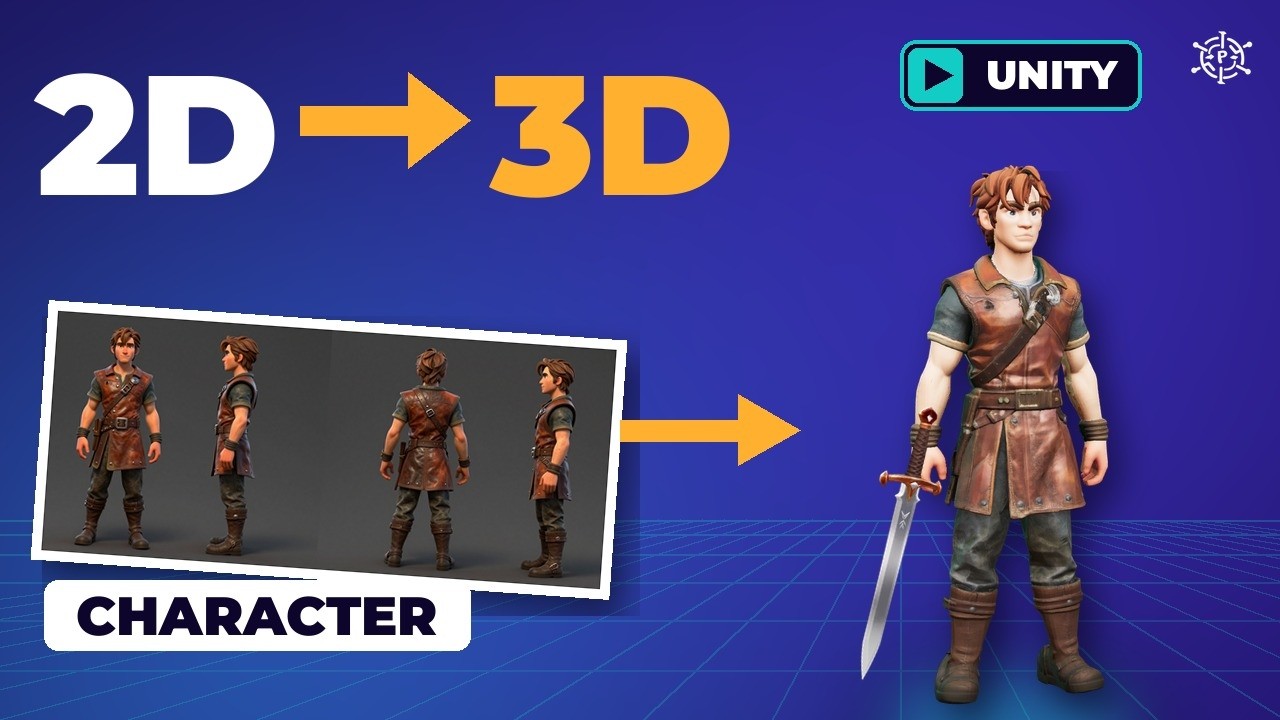
Turn One Picture into a 3D Game Asset Locally (Pixal3D, TRELLIS.2, Godot)
%20(2).avif)
%20transparent.avif)

Turn One Picture into a 3D Game Asset Locally (Pixal3D, TRELLIS.2, Godot)
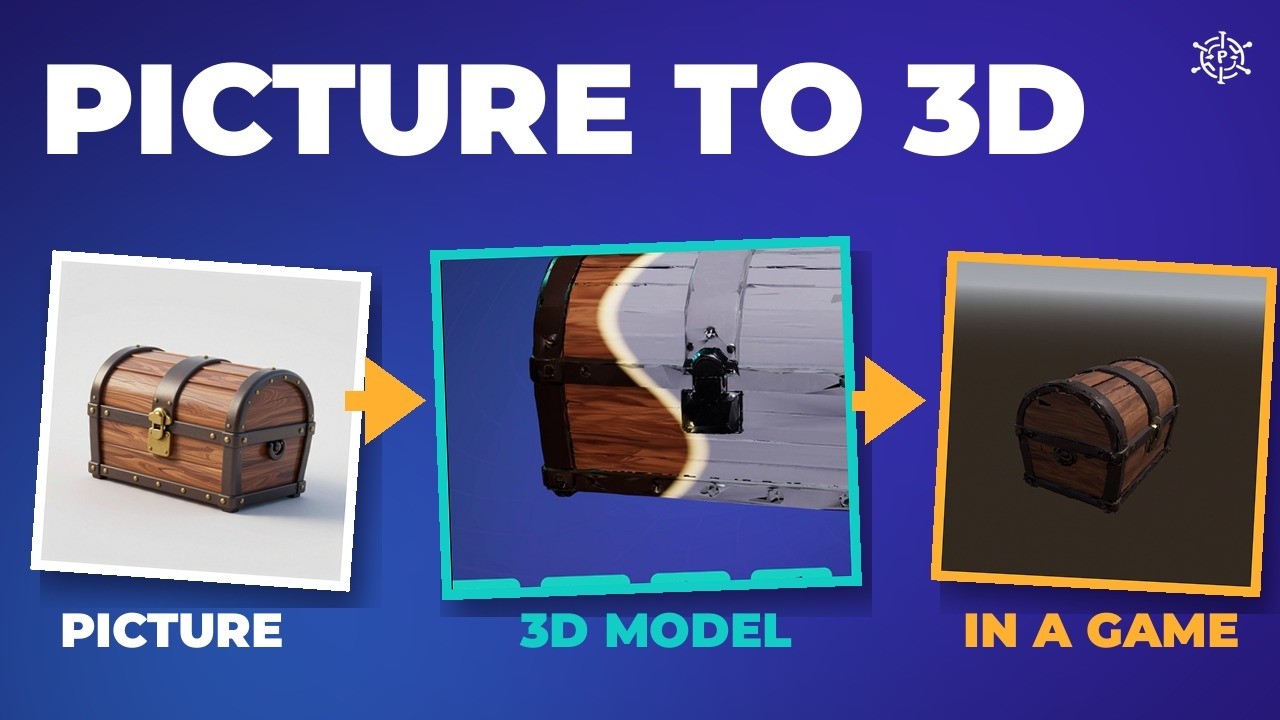
Short answer: Make one clean picture, run it through the Pixal3D / TRELLIS.2 CosyTemplate in Promptus, and you get a painted 3D model as a GLB. Lower three settings and it takes half the time. Then cut the triangles, set the real size and export a GLB, and it runs in a game engine. No 3D experience needed, and running locally costs no credits.
1. Make it 3D
- In Promptus, open CosyTemplates, search Pixal3D, pick version two, and choose Load in ComfyUI. The first load may download about 14 GB of models.
- In Load Image, click the file name and pick your picture. The template removes the background for you.
- Set the model switch: false is Pixal3D, true is TRELLIS.2.
- Press Run. The working node lights up as it goes left to right.
The finished model appears in the 3D preview and is saved as a GLB in the ComfyUI output folder, inside 3D.
How it works
- Cut-out: BiRefNet separates the object from the background.
- Camera: MoGe estimates where the picture was taken from.
- Blocks: a rough shape, like building it in Lego.
- Refine: smaller blocks, then a smooth surface at up to 1536 resolution.
- Paint: colours all the way round — even the back it never saw.
Better pictures
The 3D model only sees your picture, so the picture does half the work. Rules: one object, centred, on a plain background; the whole object in frame; soft even light; a three-quarter view. In Playground, switch Z-Image Turbo to Local (online uses credits) and write the rules into the prompt: a wooden treasure chest, one object centered, 3/4 view, whole chest in frame, on a plain light gray background, soft even studio light. It took 17 seconds.
Pick a model, and make it faster
| Run | Time | Result |
|---|---|---|
| Pixal3D | 10 min 54 s | Fully painted; front lines up with the picture |
| TRELLIS.2 (Microsoft) | 12 min 7 s | Fully painted; very close at this size |
| TRELLIS.2, fast settings | 5 min 27 s | 11 MB instead of 60 MB, under 20,000 triangles |
| Hunyuan3D 2.1 (online, cloud GPU) | About 70 s, 206 credits | Plain white mesh, no paint |
| Fast setting | Default | Set to |
|---|---|---|
| Decimate Mesh | 700,000 | 20,000 |
| Texture Resolution | 4096 | 2048 |
| TRELLIS.2 upsample target resolution | 1536 | 1024 |
Hunyuan3D 2.1’s licence doesn’t cover the UK, the EU or South Korea — check it before you use it. On a small card or a Mac, use Run online from the template menu; it uses credits.
What game-ready means
- Triangles: the raw chest had almost 700,000; a game redraws every one each frame. Decimate to about 20,000 — 97% fewer, same shape.
- UV map: the model unfolded flat so a picture can wrap round it. The template makes it.
- PBR maps: base colour (paint), roughness (shiny or matte), metallic, and a normal map that fakes small bumps.
- Real size: GLB works in metres — this chest is 60 cm wide.
- All of it in one GLB.
Clean-up in Blender
- File › Import › glTF and pick the GLB. Turn on Overlays › Statistics: 696,717 triangles.
- Add Modifier › Generate › Decimate. Ratio = 20,000 ÷ 697,000 ≈ 0.0287 → 19,995 triangles. Ctrl+A over the modifier to apply.
- Press N, scale to 60 cm wide, move it onto the floor, then Ctrl+A › All Transforms.
- File › Export › glTF, format GLB.
With the fast settings the chest is already about 20,000 triangles, so you can skip the decimate.
Into the game: Godot
- Create a project, copy the GLB into the project folder; Godot imports it and pulls out the three texture maps.
- Make a 3D scene, drag the chest in, set its position to zero.
- Add the sun and sky (DirectionalLight and WorldEnvironment) and a Camera3D; Align Transform with View.
- Attach a script with
rotate_y(delta * 0.6)in_process, save and press F6.
Mistakes and fixes
| Mistake | Fix |
|---|---|
| Hunyuan made a white mesh with a round floor disc | Use TRELLIS.2 or Pixal3D, or cut the disc off in Blender |
| A 30 MB GLB, because the template paints at 4K | Set Texture Resolution to 2048, or shrink it with glTF-Transform (30 MB → just over 3 MB) |
| Clicking the picture in Load Image opened an upload window | Click the file name and pick from the list |
| 700,000 triangles | Always decimate before export |
Next: make a rigged character that walks in Unity. Models: Pixal3D (MIT), TRELLIS.2 (MIT); tools: Blender, Godot. Download Promptus.