%20(2).avif)
%20transparent.avif)

AI-Generated Character in Unity: Image to 3D, Auto-Rig and Walk
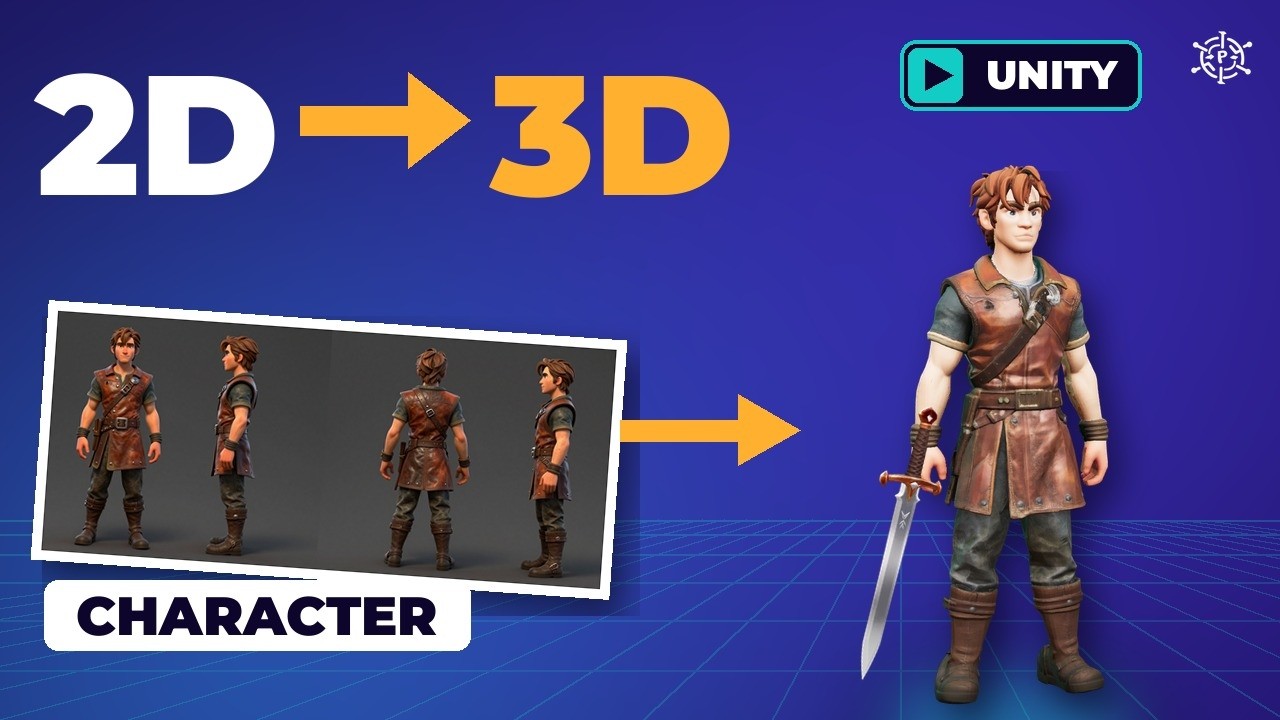
Short answer: Make a four-view turnaround sheet in a T-pose, turn it into a painted 3D character with the Pixal3D Multi-View template, make each prop from one picture, auto-rig the character with the MIA node inside ComfyUI, parent the sword to the hand bone in Blender, and bring it into Unity as an FBX — not a GLB — set to Humanoid. All the AI ran locally with no credits.
The real times
| Step | Tool | Time |
|---|---|---|
| Turnaround sheet | Z-Image Turbo (local) | 26 s |
| Character | Pixal3D Multi Views to 3D | 2 min 58 s |
| Sword | Pixal3D / TRELLIS.2, fast settings | 1 min 16 s |
| Shield | Same | 2 min 12 s |
| Lantern | Same | 8 min 4 s |
| Backpack | Same | 15 min 38 s |
| Auto-rig | MIA: Auto Rig (ComfyUI-UniRig) | About 51 s |
One run each on an RTX 5090 Laptop GPU, ComfyUI 0.39 inside Promptus; Unity 6 (6000.6), Unity Personal.
1. The turnaround sheet
Four views of the same character side by side tell the 3D model what the back looks like, so it doesn’t guess. In Playground, switch Z-Image Turbo to Local (start the ComfyUI server from Promptus Manager if asked), set 1792×768, and prompt for one adventurer four times — front, right side, back, left side — full body, arms away from the body, empty hands, plain dark grey background, soft even light. Arms away let the rig tell an arm from a hip; empty hands keep the sword a separate object. Check: same face, clothes and height in every panel, feet not cut off.
2. The character in 3D
- In ComfyUI’s Browse Templates, search Pixal3D and pick Pixal3D Multi Views to 3D.
- In Load Image, pick your sheet.
- Fix the four Crop Image boxes: they’re set for a 6,336-pixel example sheet. Turn on Nodes 2.0 to see the boxes, and place each over one view. The template wants the right-facing side second and the left-facing side last.
- Set Decimate Mesh to 40,000, then Run.
If you get Remesh mesh: band is above the maximum, open the node’s advanced inputs, set sign mode to UDF and reset the advanced inputs to defaults.
3. The gear, one picture each
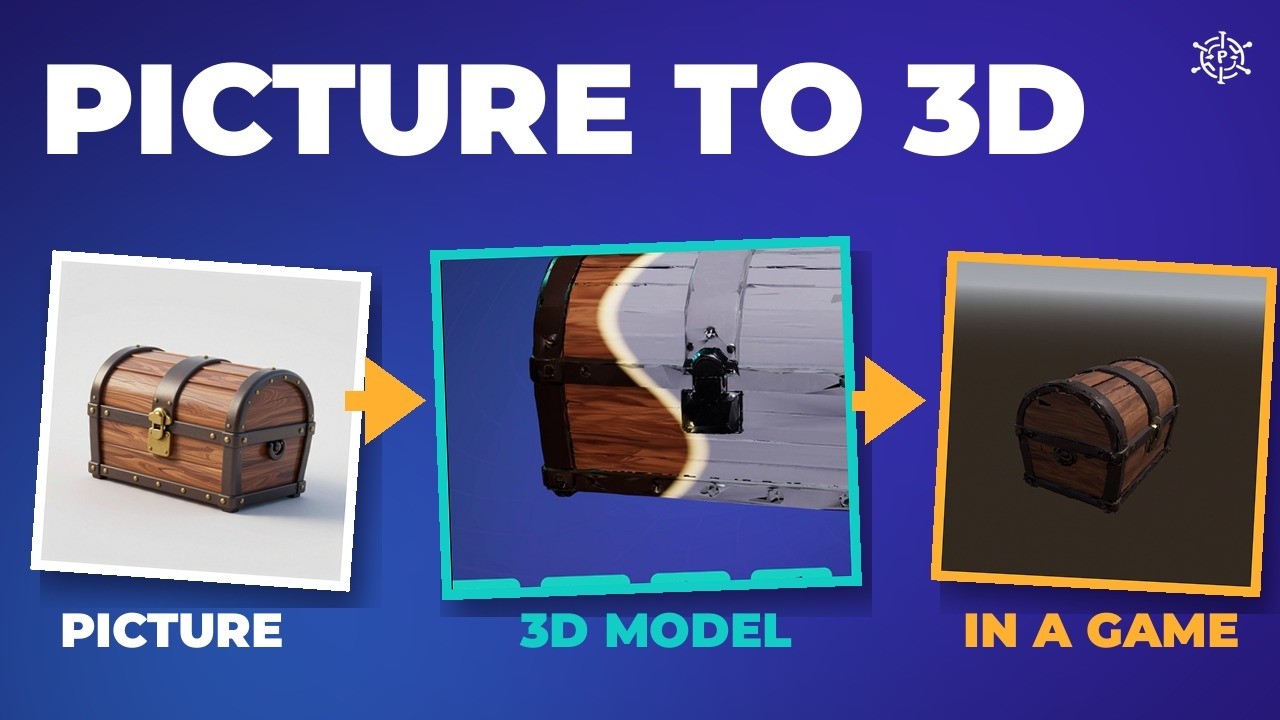
Make each prop picture in Playground: one object, centred, plain background, whole thing in frame (about 7 seconds each). Add no hands, no people — the first lantern came with a hand holding it. Then use the Pixal3D & TRELLIS.2 image-to-model template with TRELLIS.2 on and the fast settings: target resolution 1024, target face count 20,000, texture 2048. Queue all four. The step-by-step for props is in turn one picture into a 3D game asset.
4. The rig
A rig is the skeleton inside the model: bones, plus skin that knows which bone to follow. Install the free ComfyUI-UniRig pack into ComfyUI’s custom nodes folder and run its install script with ComfyUI’s own Python; restart and reload ComfyUI, or the nodes show as missing. Then use the bundled UniRig MIA humanoid workflow:
| Node | Setting |
|---|---|
| UniRig Load Mesh | Your character GLB from the 3D input folder |
| MIA Download Model | Defaults (fp32, auto); about 2.3 GB the first time |
| MIA: Auto Rig | No fingers, use normal and reset to rest all on |
| Preview Rigged Mesh | Check the result |
Result: 22 bones with standard Mixamo names (mixamorig:Hips, mixamorig:RightHand and so on), standing in a T-pose, saved as FBX and GLB. Use the FBX. Alternatives: Blender’s automatic weights, or Adobe Mixamo online (Adobe login needed).
5. Blender: sword in hand
- Import the rigged FBX and scale the character to 1.8 m.
- Place the sword handle in his right hand.
- Select the sword, Shift-click the armature, enter Pose Mode, click the RightHand bone, press Ctrl P › Bone.
- Export one FBX. Props at real size: sword 1 m, shield 60 cm, backpack 50 cm, lantern 35 cm.
6. Unity: make him walk
- Select the FBX › Rig tab › Animation Type Humanoid, Avatar Definition Create From This Model.
- Add idle and walk clips — the free Quaternius Universal Animation Library (CC0), set to Humanoid.
- Animator Controller: Idle (default) → Walk when
Speed> 0.1, Has Exit Time off. - On the character, Apply Root Motion off (the walk is on the spot); a small script moves him and sets Speed. Press Play.
Mistakes and fixes
| Mistake | Fix |
|---|---|
| Wings: hands on hips fused to the body | Make the turnaround in a T-pose, arms away from the body |
| UniRig nodes missing after install | Let ComfyUI finish starting, then reload it |
| Crop boxes cut the wrong place | Set each box over one view of your sheet |
| Remesh band above maximum | Sign mode UDF and reset advanced inputs |
| A hand in the prop picture | Add no hands, no people to the prompt |
| Backpack took 15:38 and wouldn’t decimate below about 92,000 | Fine for a demo; simplify the design for a game |
| A thin sheet of skin under each forearm flapped when walking | Cut it off in Blender and export again |
| GLB character has no Rig tab in Unity | Export FBX |
Licences: UniRig (MIT), Make-It-Animatable (code MIT, weights Apache-2.0), ComfyUI-UniRig (GPL-3.0), Pixal3D and TRELLIS.2 (MIT). Unity Personal is free under its revenue limit. Download Promptus.