%20(2).avif)
%20transparent.avif)

MiniMax H3 in ComfyUI: Install It Locally with 3 Ready-Made Workflows
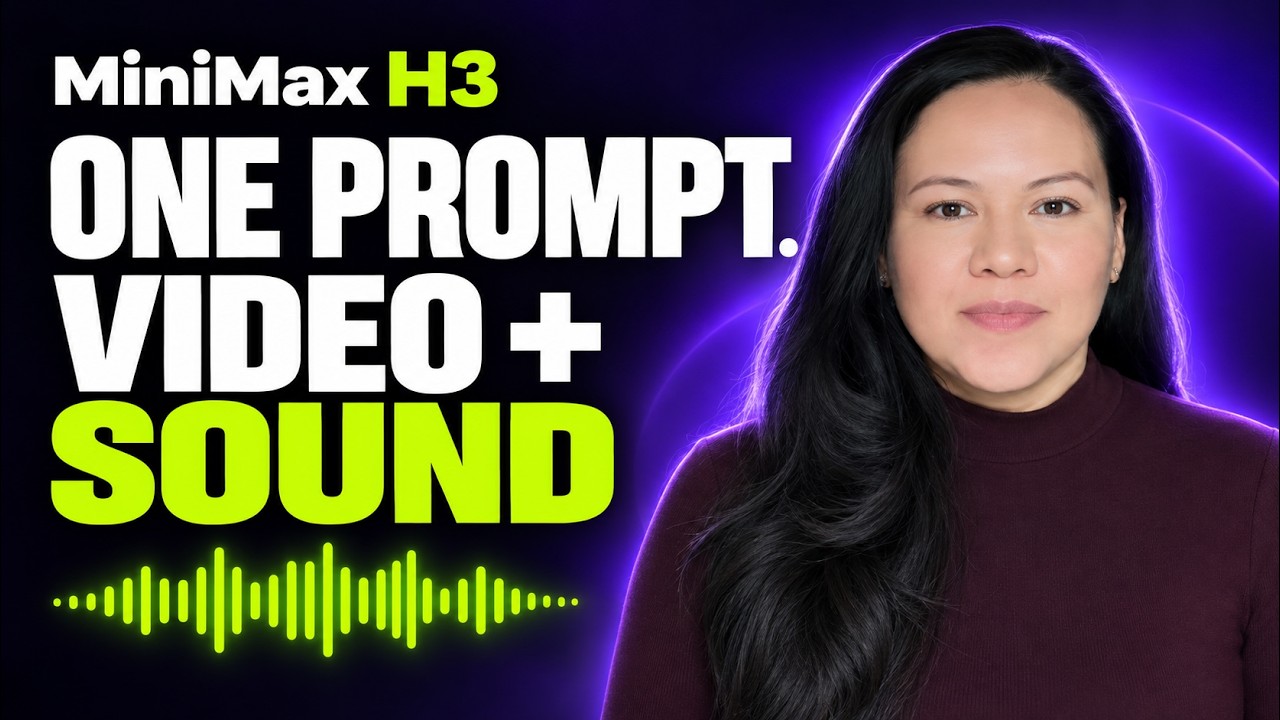
Short answer: MiniMax H3 makes video and its audio together — voices, music and sound effects in one pass, for clips up to 15 seconds. In Promptus it comes as three ready-made CosyTemplates — text to video, image to video and reference to video — that you install with Install Locally. Check two things first: the files are large, and its licence excludes the EU, the UK, South Korea and the US.
The three workflows
How to install it in Promptus
- Open CosyTemplates and search for MiniMax H3.
- Choose the workflow you need, open the card’s menu and click Install Locally. Promptus downloads every part of the kit into the right folders.
- When it moves to Available Locally, choose Load in ComfyUI.
- Write the prompt: for text to video, the scene, camera and sound; for image to video, the motion only, because the picture is already the first frame.
If Install Locally is greyed out, start the local ComfyUI server from Server in the sidebar first. In Promptus’ own testing, MiniMax H3 failed in Playground with a SaveVideo ‘format’ error and worked when run from the ComfyUI canvas — so use Load in ComfyUI.
File sizes
MiniMax H3 is big. The Comfy-Org repack lists these files:
Which files a template uses depends on the template, so check free disk space before installing.
How fast is it?
In a separate test of five local image-to-video models on an RTX 5090 Laptop GPU with 24 GB, MiniMax H3 took about 3.1 minutes per 5-second clip at 640×640 and 24 fps — and was the only one of the five to produce an audio track. In the AI influencer walkthrough, it gave a character her voice, with each 5-second clip taking about 4 to 6 minutes.
Writing prompts for sound
- Write the scene like a director: what happens, what the camera does, and what we hear.
- Put spoken words in quotation marks.
- Describe the background sound too — music, ambience, effects.
The licence, in plain terms
- Rights are granted only outside the excluded territories: the European Union, the United Kingdom, South Korea and the United States.
- Commercial products and services with more than $20 million in yearly revenue need MiniMax’s prior written authorisation.
- Commercial products using it must prominently show “MiniMax H3” in their interface.
- Redistributing the model requires passing on the licence and a NOTICE file.
This is a summary, not legal advice — read the licence for your own case.
Links
- MiniMax H3 announcement
- Model files (Comfy-Org repack)
- Official model page
- ComfyUI setup guide
- MiniMax H3 Community License
Download Promptus for Mac and Windows.