%20(2).avif)
%20transparent.avif)

How to Create an AI Influencer (Same Face, Every Post)
Short answer: An AI influencer lives or dies on one thing: people have to recognise her in every post. Design one face, then never start from words again — start every new picture from her photo. In this walkthrough, Juno was designed in a CosyTemplate with Z-Image-Turbo, kept consistent with MoMM and FLUX.2 Klein Image Edit, saved to a collection, made to talk with MiniMax H3, and shared with one link, all inside Promptus.
The five steps at a glance
1. Design her face
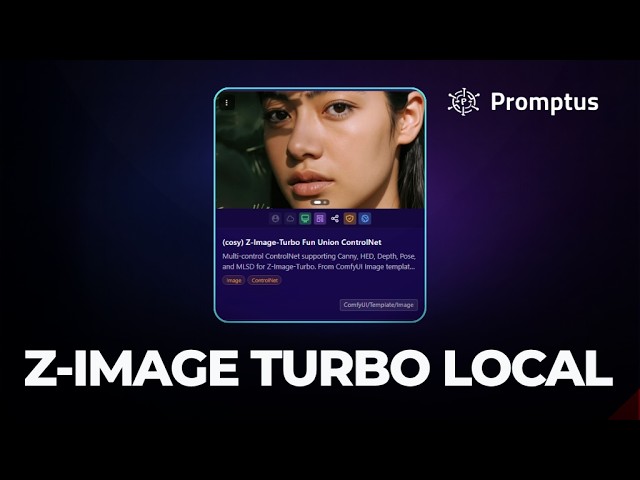
In Promptus, open CosyTemplates — the library of ready-made workflows — search for Z-Image-Turbo, a fast open-source image model, and open it. Describe her in four parts: face, hair, style and scene.
Under the prompt there’s a switch: generate locally or online. Local runs on your own graphics card and took about 20 seconds. Online runs in the Promptus cloud, cost 200 credits and took about 40 seconds, with no graphics card needed.
Don’t settle on the first face. Juno came from 16 versions — eight styles, two of each — before picking soft copper waves, curtain bangs, freckles and a big smile.
2. Keep her look
This is the hard part. Type the description again and you get a slightly different woman. So from here on, start from her photo, not from words.
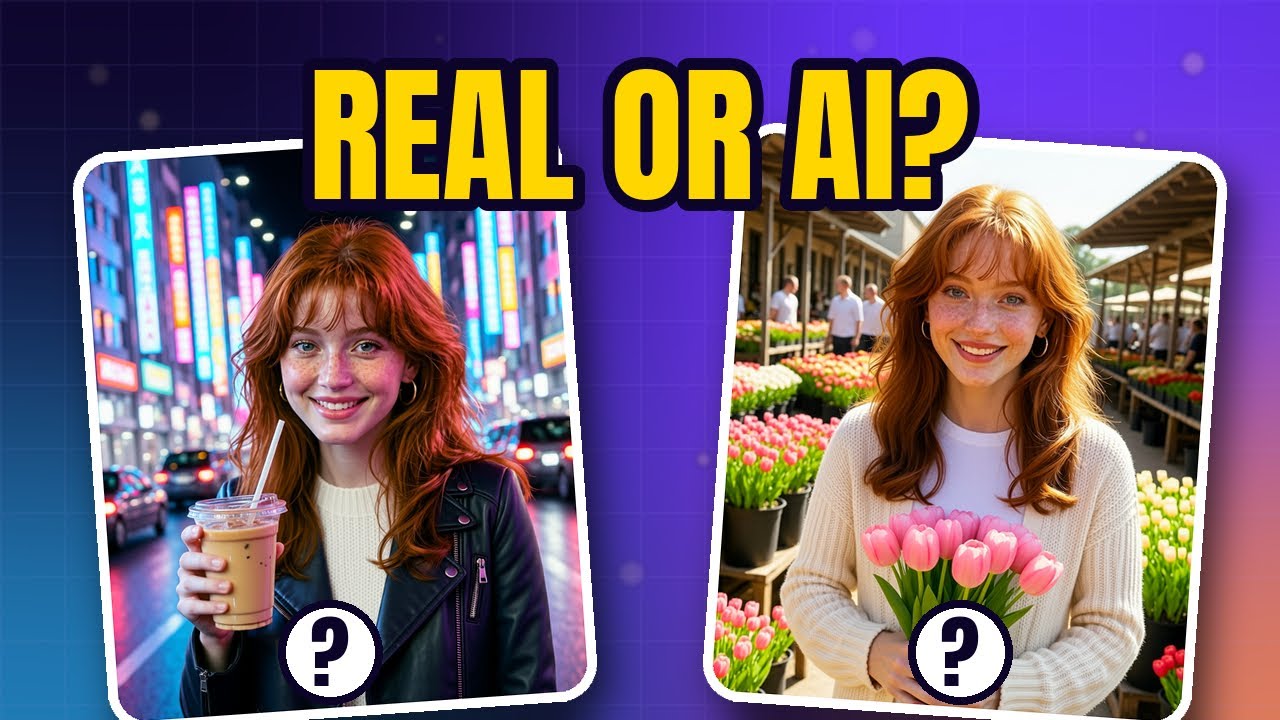
- MoMM, the chat in Promptus that makes pictures: click the paperclip, pick her photo from My Collection, and write what you want — for example, keep her face, freckles, copper hair and smile exactly the same and put her at a sunny flower market. About a minute later: same face, new place.
- Locally, the FLUX.2 Klein Image Edit CosyTemplate does the same job. A beach, Tokyo at night, a home studio and an autumn park each took about a minute.
The one failure in the video is the lesson: asking for a beach without attaching her photo produced someone who isn’t Juno. Attach her photo every time, and say what stays the same.
3. Give her a feed
Every picture you make appears with three buttons: close, add to collection, and download. Add the keepers to a collection. My Collection is where her feed lives; each picture is private or public, and the share button posts straight to Facebook or X.
4. Make her talk
For video, the walkthrough uses MiniMax H3, an open model that makes the picture move and makes the sound — including her voice — at the same time. In CosyTemplates, find MiniMax H3 Image to Video, open the menu and choose Load in ComfyUI. Pick her photo in Load Image, then write the scene like a director:
- what she does,
- what she says, in quotation marks,
- and what we hear around her.
Each 5-second clip took about 4 to 6 minutes on the laptop in the video. For a full comparison of local video models, see five image-to-video models tested on one laptop.
5. Share how you made her
Every template page in Promptus has a box called Share this template, with a link and a copy button. Whoever opens the link gets the exact same workflow — and if their computer can’t run it, they switch Generate to online and it runs in the cloud with credits.
Four mistakes that give an AI influencer away
- Forgetting her photo, so her face drifts.
- Hands and text. Check her fingers and anything written in the picture.
- No label. Say she’s AI on her profile and on every post.
- A real person’s face. Only build characters you made up.
Want her face baked into the model itself? Train a LoRA for your character, and see which method keeps a face the same in a fair test.
Download Promptus to run all of this on your own computer.