%20(2).avif)
%20transparent.avif)

Z-Image Turbo for Beginners on an 8 GB Mac (vs SDXL Turbo)
Short answer: Open the Z-Image Turbo CosyTemplate in Promptus and generate from its prompt box, from Playground, or on the ComfyUI canvas. On a Mac with 8 GB of unified memory, use a low-memory recipe — compressed models and a memory helper — and start small: 256 pixels first, then 512. To try another model like SDXL Turbo, open its own template; models don’t share recipes.
Three ways to start
Whichever route you choose, the required models and nodes must be installed, and the recipe has to fit in your computer’s memory.
A simple map of the canvas
The template opens as one compact block; click the open icon on its top-right corner to see the steps inside. Three loaders supply the ingredients:
- Z-Image Turbo — the model that builds the image.
- Qwen — the text encoder that reads your words.
- VAE — turns the finished latent into pixels.
For the 8 GB Mac the video switched to a low-memory turbo recipe: compressed models plus an extra node that releases loaded weights before sampling.
The settings that matter
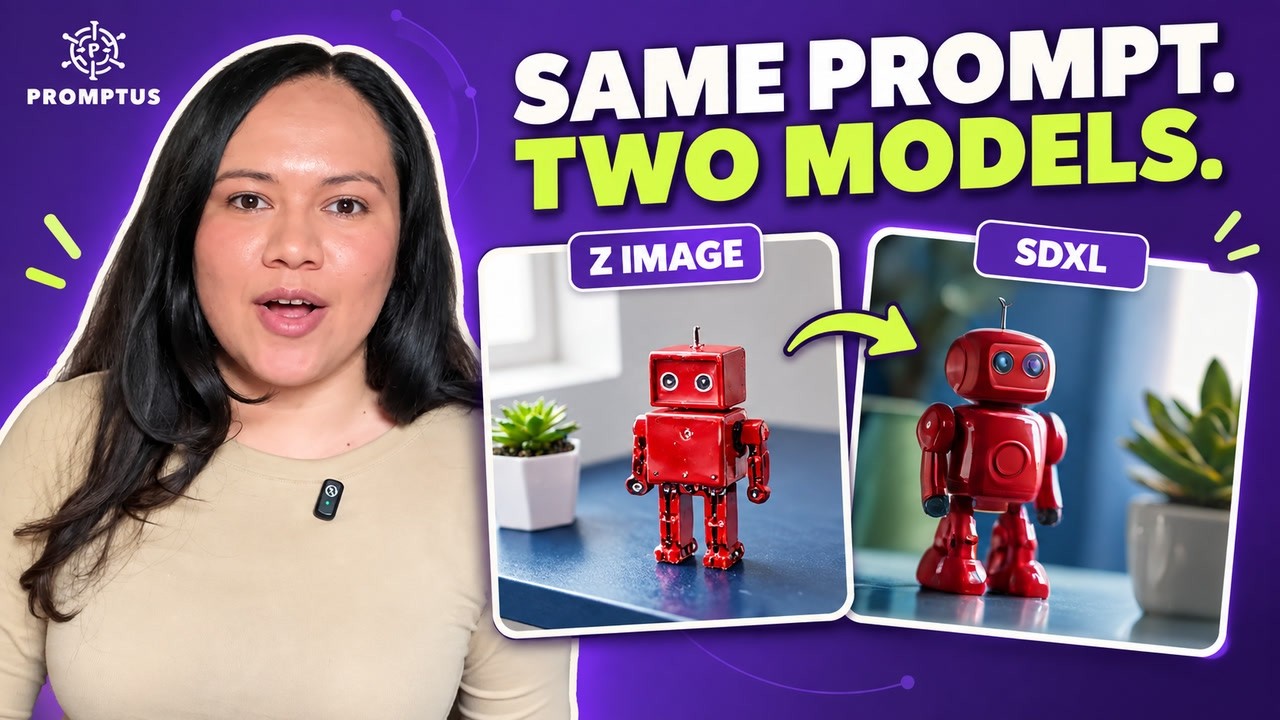
The first prompt — a yellow ceramic robot on a blue desk, lit by a window — gave a 256-pixel image that matched every choice. The second — a glossy red robot beside a green succulent at 512 pixels, same seed — is a new example, not a pure resolution comparison, because the prompt changed too.
Switching to SDXL Turbo
Don’t swap the file name inside the Z-Image workflow — open the SDXL Turbo CosyTemplate and Load in ComfyUI. Its canvas looks different: one checkpoint loader supplies the model, text encoders and VAE together, and it runs in a single step at 512×512, guidance 1.
Matching the seed across models doesn’t give matching pictures. Even with one step, loading the model still takes time.
Keep the picture and the recipe
- Open Assets › Generated to inspect and download the image.
- Export the workflow from the graph menu so you can rerun it later.
- Both workflows stay open as tabs — click a tab to choose which recipe runs.
The same 8 GB limits are tested more widely in what runs on an 8 GB MacBook, and the ControlNet side of Z-Image is in Z-Image Turbo ControlNet: Canny settings. Download Promptus.