%20(2).avif)
%20transparent.avif)

Pinokio vs Promptus: Which Local AI App Should You Use on a Mac?
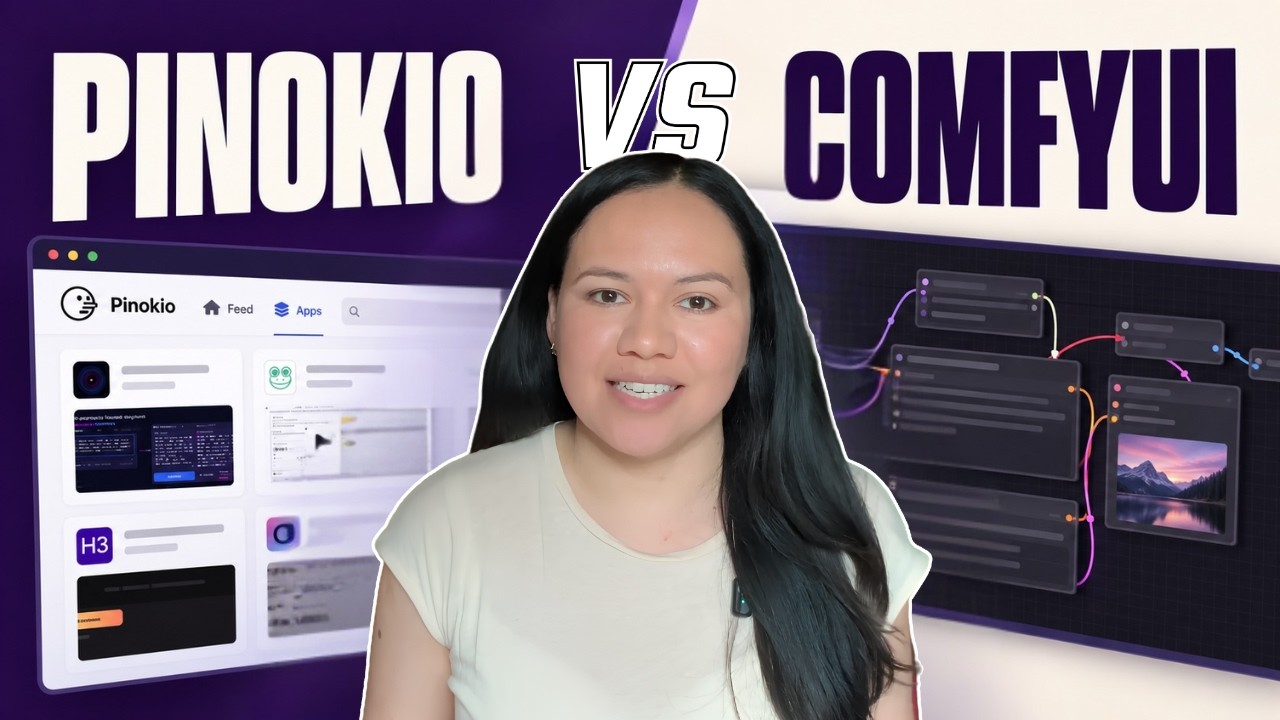
Short answer: Pinokio is a free one-click launcher that installs open-source AI apps from community scripts on GitHub. Promptus is a local AI app for Windows and Mac with ComfyUI built in, ready-made workflows for image, video, 3D and audio, plus API models and cloud runs for when your computer isn’t powerful enough. Use Pinokio to try many different open-source apps; use Promptus to generate images and video without assembling the pieces yourself.
Side by side
What is an AI model, and what is a workflow?
An AI model is the trained file that does the generating — open-source models run on your own computer, API models run on someone else’s. A ComfyUI workflow is the recipe around it: which model to use, which settings, and in what order. ComfyUI is the open-source engine that runs the recipe. Both apps end up running ComfyUI for image and video; the difference is whether you assemble it yourself or open something that already works.
How Pinokio works
Pinokio installs and launches apps from a catalogue of community scripts. On a Mac, download the Apple Silicon version and filter the catalogue for apps that support Apple chips, because some apps are NVIDIA-only. ComfyUI is one of the apps you install from that catalogue.
Safety: Pinokio scripts can run any command on your computer — that’s how they install things — so stick to verified scripts, and keep an eye on disk space as each app takes its own.
How Promptus works
ComfyUI is already inside, so there’s nothing separate to install. You pick a ready-made workflow from CosyTemplates for image, video, 3D or audio and generate. Workflows can be shared with one link. After you generate, Prompt Enhance, collections and MoMM — the chat that makes pictures — are in the same app. When a model needs an NVIDIA card your Mac doesn’t have, the same workflow runs on cloud GPUs from the web app, using credits.
When to use Pinokio instead
If you want to try lots of different open-source AI apps — not just image and video generation — Pinokio’s breadth is the point, and it’s free. If your goal is generating images and video with tested workflows, Promptus does that job directly. More options are covered in Pinokio alternatives for local AI generation.
Download Promptus (Windows and Mac), or try it in your browser with no install. Pinokio is free to download.