

PAN 2 AI World Model: Install, Prompt and Run It Locally
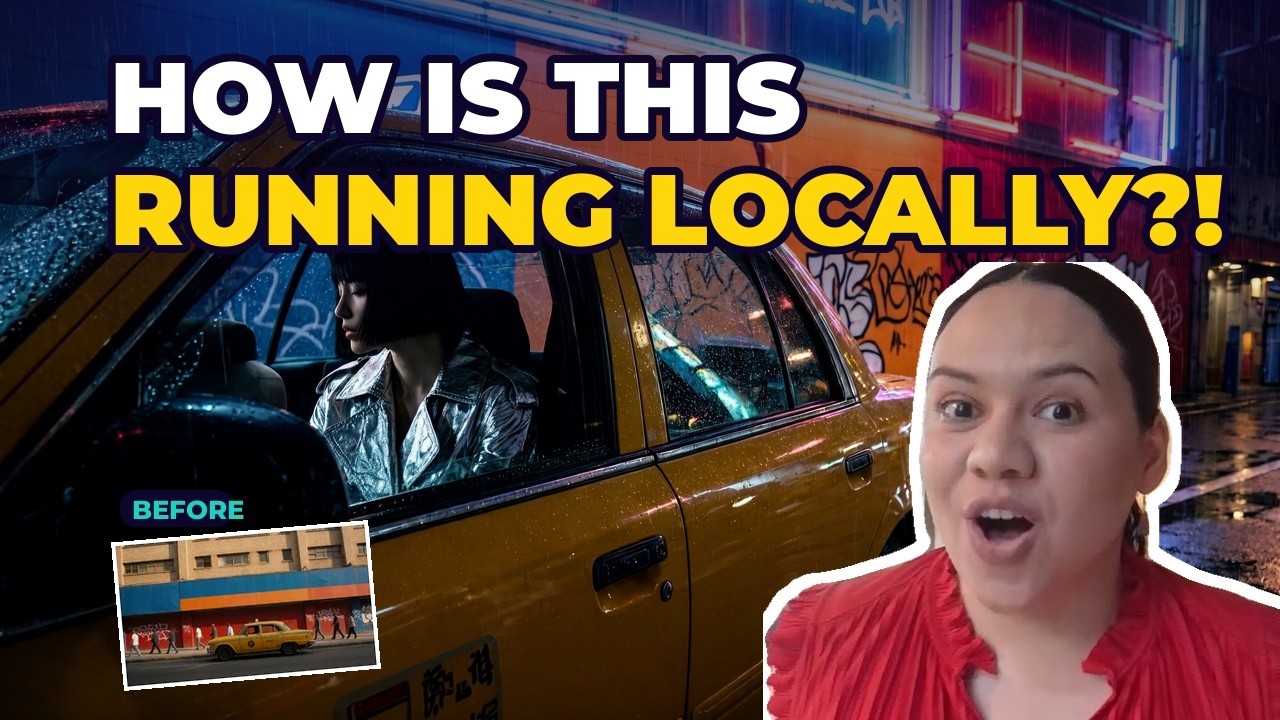
PAN 2 is a new open-source AI world model from the Institute of Foundation Models (IFM) at MBZUAI. You give it one photo and describe what happens next, and it predicts the result as a video. I ran it locally in ComfyUI inside Promptus on a laptop. This guide covers what it is, the files you need, how to write the prompts, and what it used on my graphics card.
Every number below was measured on my own laptop: an NVIDIA RTX 5090 Laptop GPU with 24 GB of VRAM and 32 GB of system RAM.
What is an AI world model?
Most image-to-video models animate a picture. A world model is trained to predict how a scene changes over time, so the action you describe plays out with the camera move you ask for. PAN 2 has 29 billion parameters and is released under the Apache 2.0 licence, so you can use what you make commercially. IFM says it can make clips up to 20 seconds long.
PAN 2 system requirements
PAN 2 is big. My 5-second clip at 1248×704 took 14 min 37 s, with VRAM peaking at 23.7 GB and system RAM peaking at 31.5 GB. So plan for a 24 GB-class graphics card, 32 GB or more of RAM, and about 38 GB of free disk for the models. If your PC can't run it, you can run the same CosyFlow online in Promptus Playground.
How to install PAN 2 in ComfyUI
PAN 2 runs on ComfyUI's own nodes, so you don't need a custom node. Update ComfyUI first (I used ComfyUI 0.45.0), then download these three files from Comfy-Org/PAN2 on Hugging Face:
- pan2_int8_convrot.safetensors (26.7 GB) into
models/diffusion_models - qwen3.5_9b_int8_convrot.safetensors (9.7 GB) into
models/text_encoders - wan2.2_vae.safetensors (1.4 GB) into
models/vae
In the text encoder loader, the type must be set to pan2. Our ready-made workflow already does this, so you can download the PAN 2 ComfyUI workflow and drag it onto the canvas.
PAN 2 prompt guide: scene, event, camera
PAN 2 was trained on structured captions, so a plain one-line prompt gives weaker results. The workflow splits your prompt into three boxes and builds the caption for you:
- Scene: what is in the picture and where: the subject, the setting and the light.
- Event: what happens next, one action per line, in order.
- Camera: the camera move, for example a slow push-in or a tracking shot.
Load your start image as the first frame, fill in the three boxes and press Run. The workflow saves an MP4.
PAN 2 blurry output fix
My first clip came out as a smeared mess. I show what caused it and how I fixed it at 3:01 in the video.
Settings I used
- Steps: 50
- CFG: 2.5
- Shift: 9
- Output: 1248×704 at 24 fps
Run PAN 2 with one click in Promptus
The whole setup is published as a Promptus CosyFlow. Open the PAN 2 CosyFlow, then from its ⋮ menu choose Install Locally, which downloads the models into the right folders for you, or run it in Playground.
Frequently asked questions
What is PAN 2?
PAN 2 is an open-source AI world model from IFM at MBZUAI. You give it a start image and describe the scene, what happens next and the camera move, and it predicts the result as a video.
Is PAN 2 free?
Yes. The code and weights are released under Apache 2.0, which allows commercial use.
How much VRAM does PAN 2 need?
On my RTX 5090 Laptop GPU, PAN 2 peaked at 23.7 GB of VRAM and 31.5 GB of system RAM with the int8 model, so plan for a 24 GB card and 32 GB or more of RAM.
How long does PAN 2 take?
A 5-second clip at 1248×704 took 14 minutes 37 seconds on my laptop.
Does PAN 2 need a custom node?
No. It runs on ComfyUI's built-in nodes in recent versions. Update ComfyUI and set the text encoder type to pan2.