
%20(2).avif)
%20transparent.avif)

Convert 2D images into professional 3D models using Promptus
Creating 3D models from 2D images has never been more accessible. Promptus with ComfyUI transforms the complex world of 3D generation into a visual, no-code experience that any creator can master. Whether you're a solo artist or part of a professional studio, this guide will show you how to leverage Promptus as your complete Creative OS for image-to-3D workflows. 🎨
What Is Promptus With ComfyUI?
Promptus with ComfyUI is a downloadble app and browser-based interface that makes advanced AI workflows accessible to everyone. Instead of wrestling with code and command lines, Promptus features "CosyFlows"—a drag-and-drop visual system that lets you build sophisticated pipelines without writing a single line of code.
As a multi-modal platform, Promptus supports Hunyuan3D, Stable Diffusion, Flux, and hundreds of other AI models, making it the fastest route from zero to hybrid ComfyUI pipelines for 3D creation.
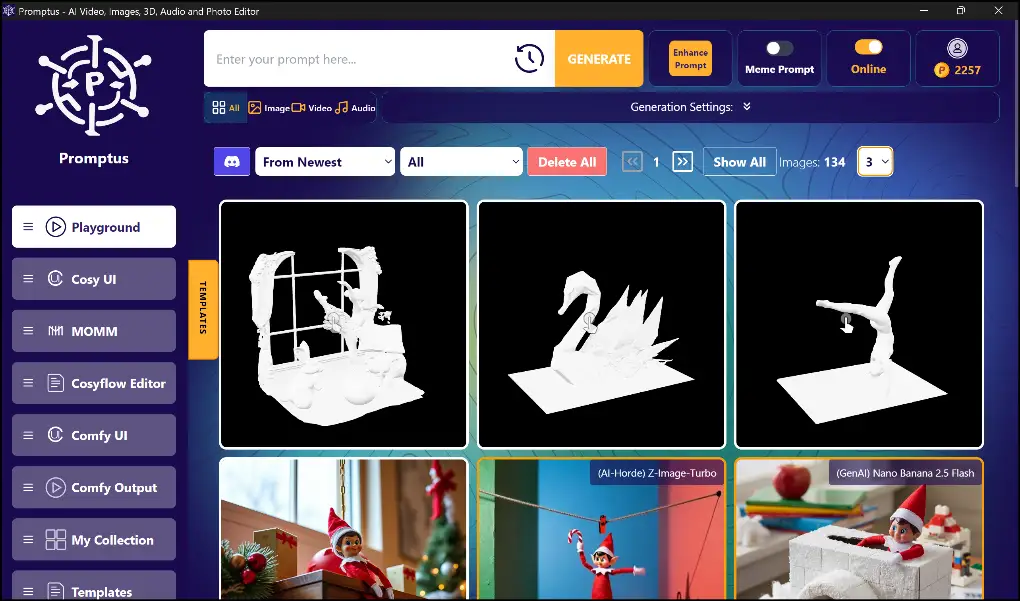
Essential Extensions For 3D Creation In Promptus
ComfyUI-3D-Pack: Your Complete 3D Toolkit
The ComfyUI-3D-Pack is the most comprehensive solution for 3D workflows in Promptus. This robust custom node suite leverages cutting-edge algorithms like 3D Gaussian Splatting and Neural Radiance Fields to deliver professional-quality results. 🚀
Core 3D Generation Nodes:
- StableFast3D: Converts a single image into a fully textured 3D mesh in seconds
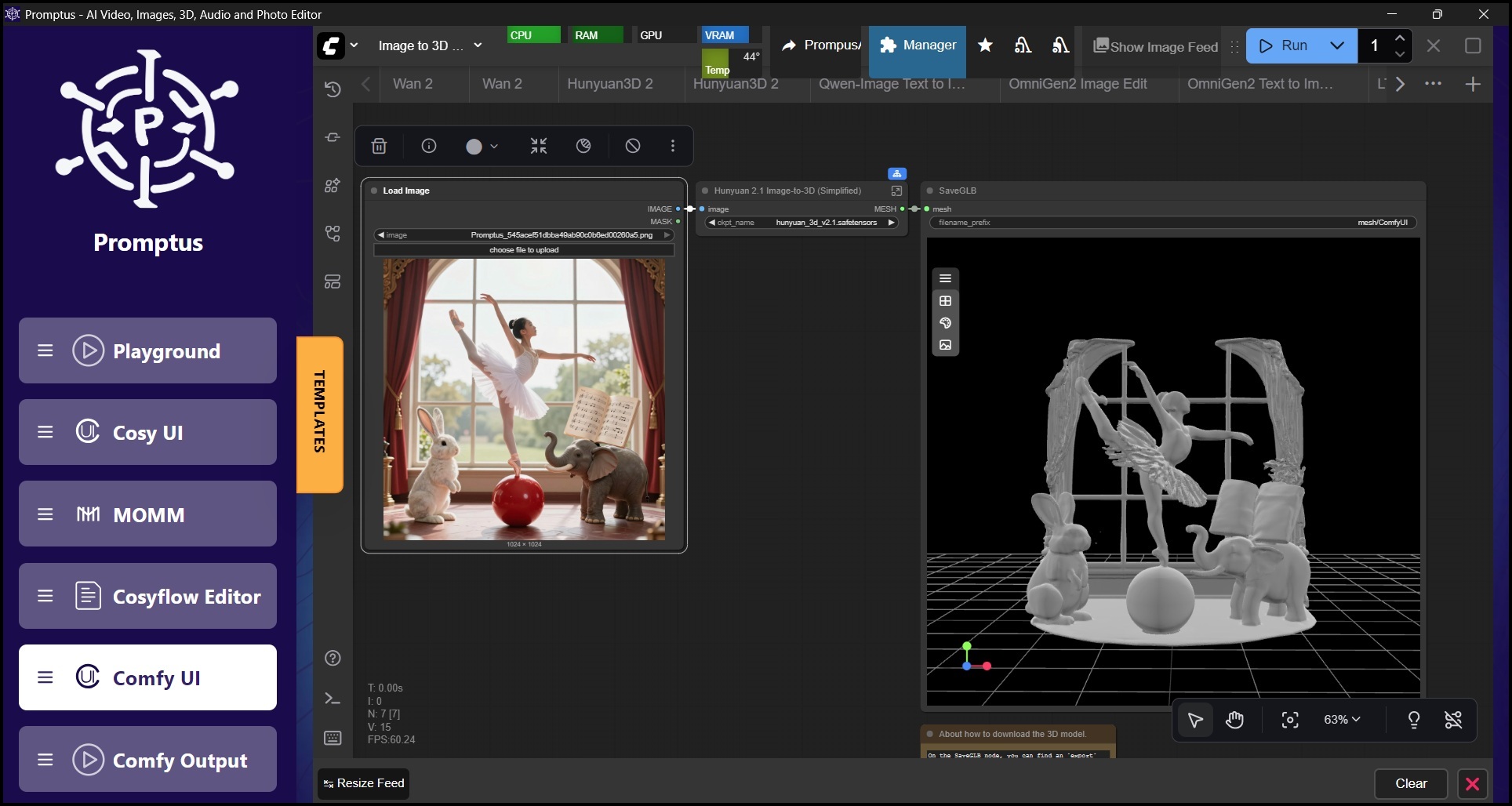
- Hunyuan3D: Creates detailed 3D models from either single images or multiple-view images
- InstantMesh Reconstruction: Builds textured 3D meshes from multiple-view images
- TripoSR: Generates NeRF representations that convert seamlessly into 3D meshes
Multi-View Image Generation:
- Zero123++: Creates comprehensive multi-view images from a single input
- Era3D: Generates multiple views and normal maps for enhanced detail
Specialized Capabilities:
- CharacterGen: Dedicated node for creating 3D characters from front-facing images
- Visualization Tools: Preview and refine your 3D meshes directly within the Promptus interface
ComfyUI-3D-Convert: Format Flexibility
For simple file format conversions, ComfyUI-3D-Convert offers a lightweight solution. This extension includes a ConvertTo3DFormat node that handles reformatting between different 3D model file types, powered by the 3dconvert.nsdt.cloud-API.
How To Generate 3D Models In Promptus: Step-By-Step
Step 1: Install Extensions Through ComfyUI-Manager
The easiest way to get started is through the built-in ComfyUI-Manager in Promptus. Navigate to the Manager, select "Install Missing Custom Nodes," and install the ComfyUI-3D-Pack. The visual interface makes extension management straightforward, even for beginners.
Step 2: Download Required Models
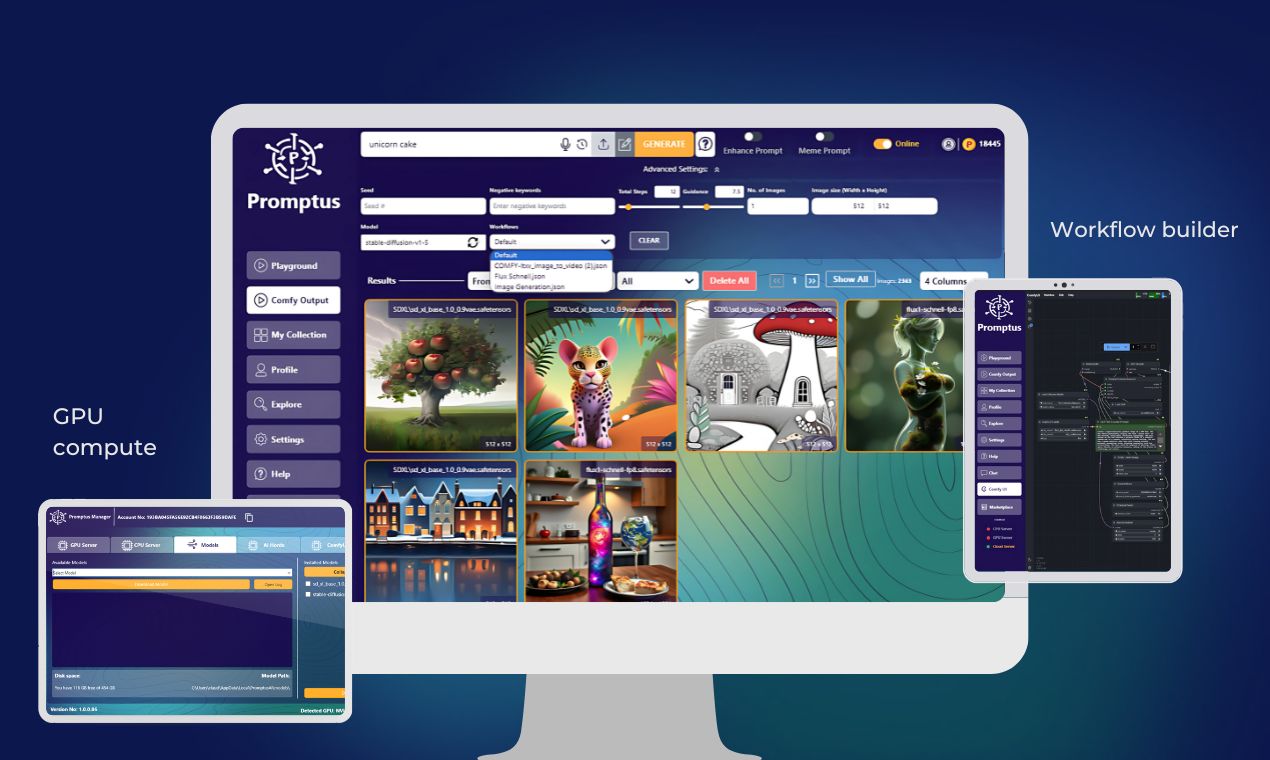
For image-to-3D generation, you'll need to download specific models used by the extension, such as Hunyuan3D. Place these models in the correct models subdirectory within your Promptus installation. The platform's hybrid local and cloud architecture means you can choose to run models on your local GPU or leverage the Promptus GPU Marketplace to save costs on compute-intensive operations. 💻
Step 3: Load A Pre-Built Workflow
Promptus excels at making complex workflows accessible. Load an existing workflow designed for 3D generation—you can find example workflows on the extension's GitHub page or within the Promptus community. With CosyFlows, these workflows become visual diagrams you can customize with simple drag-and-drop actions.
Step 4: Process Your 2D Image
Load your 2D image into the workflow. The nodes will automatically:
- Generate multiple views: Nodes like Zero123++ create multiple angles of your object
- Delight the image: Optional delighting networks remove original lighting for more consistent 3D results
- Reconstruct the mesh: Reconstruction nodes use multi-view images to build a textured 3D mesh
Step 5: Refine And Export
Adjust parameters like resolution and maximum face count to refine your model. The final 3D model is typically saved as a .glb file in your Promptus output folder, ready for use in game engines, 3D software, or AR/VR applications.
Step 6: Convert Formats As Needed
If your target application requires a different format, run the model through a ComfyUI-3D-Convert workflow to change its file type. This flexibility ensures your Promptus-generated assets work everywhere.

Why Promptus Is The Creative OS For 3D Workflows
Full-Stack Creative Infrastructure
Unlike single-purpose tools, Promptus functions as a complete Creative OS. The same platform that handles your 3D generation also supports images, video, audio, and more. This unified approach eliminates the need to juggle multiple subscriptions and learn different interfaces.
No-Code Power Meets Professional Results
The CosyFlows system in Promptus proves that no-code doesn't mean no-power. You get access to the same advanced algorithms and models that technical users employ, but through an intuitive visual interface that accelerates your workflow instead of slowing it down. ✨
Hybrid Local And Cloud Flexibility
Promptus gives you control over where your work happens. Run lightweight operations locally to maintain privacy and speed, then tap into the GPU Marketplace for compute-intensive tasks. This hybrid approach delivers the best of both worlds while keeping costs predictable and manageable.
Unbeatable Value
While Adobe and Runway lock you into expensive, subscription-only models, Promptus offers affordable pricing with lifetime license options. For studios and creators managing budgets, this value moat makes professional 3D generation accessible without the enterprise price tag.
Get Started With Promptus Today
Ready to transform your 2D images into stunning 3D models? Choose between Promptus Web for instant browser-based access or the Promptus App for desktop power.
Join the community that gives Promptus a 99% user positivity rating—the most-loved Creative OS for AI-powered creation. 🎯
Whether you're building game assets, creating product visualizations, or exploring 3D art, Promptus is the fastest, most accessible path from concept to finished 3D model.
Experience the power of hybrid local and cloud workflows, the simplicity of visual no-code building, and the freedom of a platform designed to grow with your creative ambitions.