%20(2).avif)
%20transparent.avif)

How to move from a manual ComfyUI RunPod environment to the Promptus CosyUI Stack
Quick answer: Migrating ComfyUI workflows from RunPod to Promptus removes the manual setup overhead — pip installs, git clones, downloading multi-gigabyte checkpoints — so you spend time on workflow logic instead of infrastructure.
If you are managing ComfyUI in RunPod, you are likely spending 20% of your time on pip install commands, git clones, and waiting for 15GB checkpoints to download over a network volume. This guide details how to port those ComfyUI workflows into Promptus to automate that overhead.
Why does this matter now? In the fast-moving world of creative AI, your time should be spent on logic, not infrastructure. Moving to Promptus allows you to automate the "boring" parts of environment setup so you can focus on the output.
Step 1: Exporting the Logic
Promptus is engine-agnostic but logic-dependent. To migrate, you need the raw graph data:
- Enable Dev Mode: In your RunPod instance, ensure "Dev mode" is active.
- Export API JSON: Use the API format rather than standard workspace JSON to strip away UI-state clutter for a cleaner execution map.
Step 2: Automated Dependency Resolution
This is where the manual work ends. Instead of building an environment to match a workflow, Promptus matches the environment to your needs:
- The Schema Scan: Drag your JSON into the CosyUI Canvas for an instant hash-check.
- The "Red Node" Fix: If a node like IPAdapter Plus is missing, the system fetches it from the global registry automatically—no terminal, no restarts.
Step 3: Resource Allocation (Local vs. Cloud)
RunPod offers hourly and per-second billing for dedicated GPU pods, and consumption-based pricing for serverless workloads (see RunPod's official pricing, where entry-level GPUs like the RTX A5000 start around $0.16/hr on their Community Cloud — RunPod describes its own pricing as "simple pricing plans for teams of all sizes, designed to scale with you") — but every option still requires provisioning and paying for a cloud GPU instance. Promptus uses a Hybrid Execution model:
- CosyContainer (Local): Run on your own NVIDIA GPU for $0.
- CosyCloud (Leeds Backbone): If you hit a VRAM wall, toggle to a high-spec A100/H100 instance.
- Active Billing: You are only billed per-second of active compute, never for idle time.
Step 4: Persistent Model Management
Stop re-downloading the same base models.
- Shared Library: Promptus features a massive, pre-cached library of standard checkpoints, workflows and LoRAs.
- Instant Mapping: Common models map instantly; custom models stay persistent in your CosyCloud storage.
By moving to Promptus, you’re transitioning from a "Circuit Board" (a messy node graph) to a "Device" (a functional, shareable tool).
Step 5: Workflow to Template
The final step is moving from a Working Graph to a Functional Tool.
- CosyEditor: Use the editor to "pin" specific inputs (Prompts, Seed, CFG).
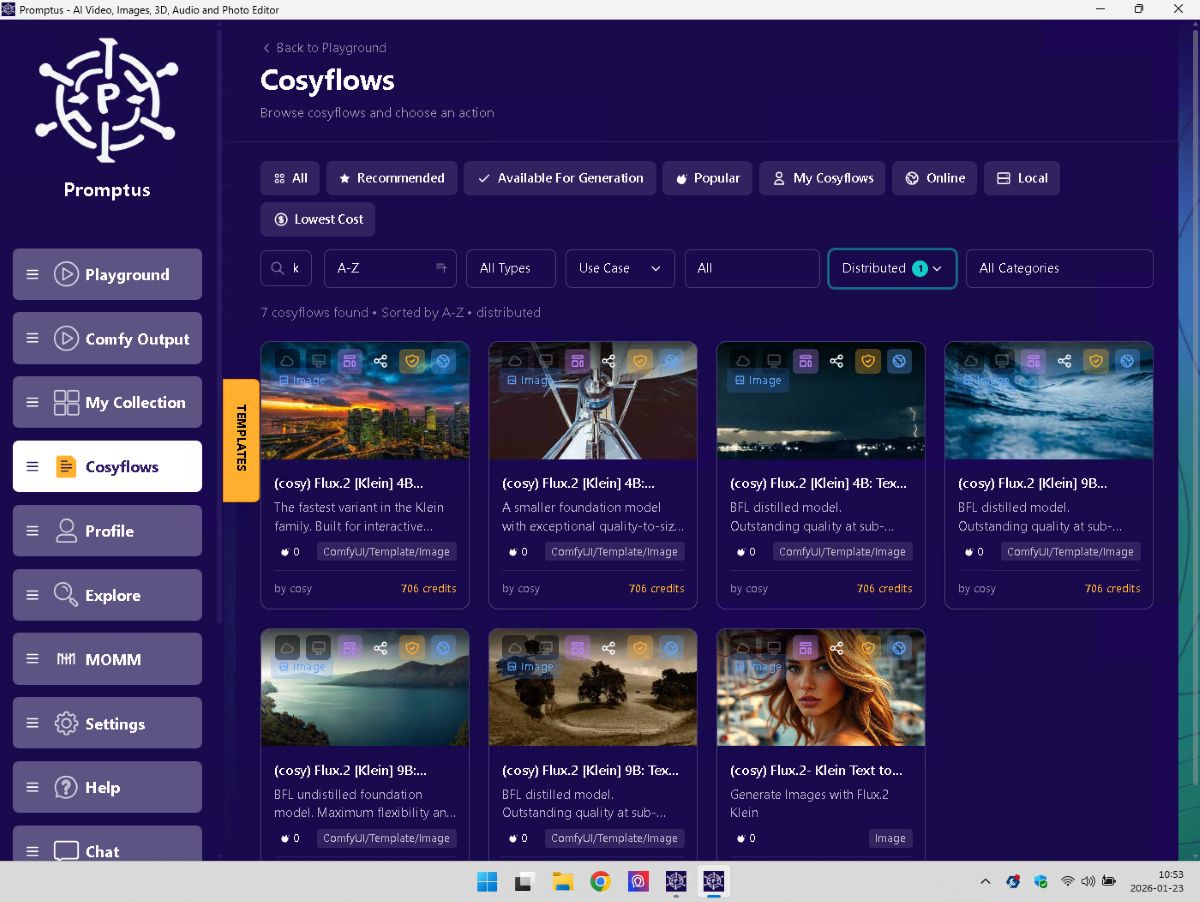
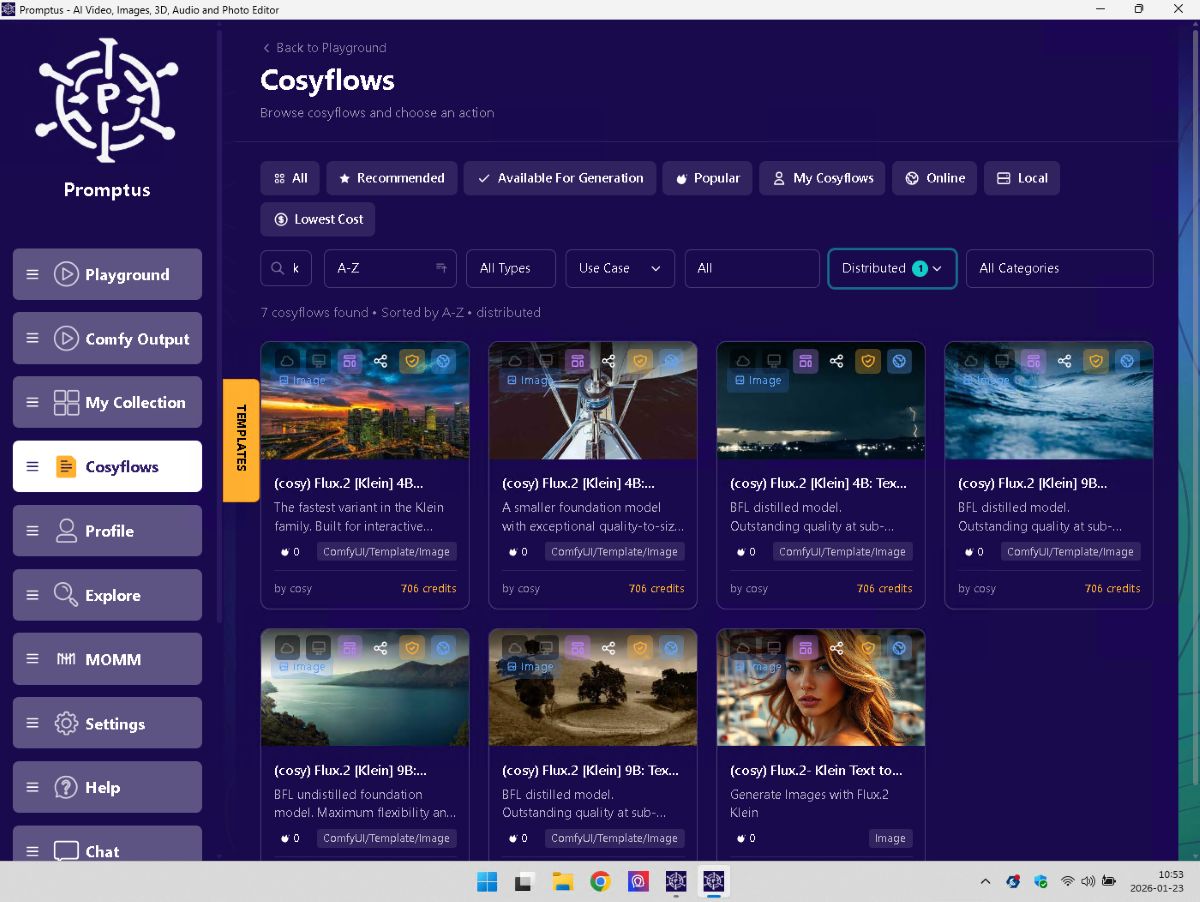
- Distributed Flag: This is the IP protection layer. You can set the flow to "Distributed." This allows other users to execute your workflow via PAPI or the Playground—earning you revenue—without ever giving them access to your
.jsonor your specific node configurations.
Summary
Who is this for? Any creator tired of "Environment Hell" on RunPod.
When to use it? When you want to move from a working graph to a distributed, revenue-generating template.
If you want to spend more time generating and less time configuring, drag your existing ComfyUI RunPod JSONs into the CosyUI Canvas today. The system will highlight your missing nodes and resolve them in seconds. Don't forget to like and subscribe for more Promptus workflows!
Comparison Runpod and Promptus
| Feature | RunPod (Manual) | Promptus (Managed) |
|---|---|---|
| Environment | Manual Docker/Cuda setup | Self-configuring CosyContainer |
| Nodes | Manual git clone & troubleshooting | Auto-resolved via Registry |
| GPU | Fixed hourly rental (active or idle) | Dynamic local or per-run cloud |
| Scaling | Manual pod scaling | Native PAPI endpoint scaling |