%20(2).avif)
%20transparent.avif)

How to Use LTX: The Fastest FREE AI Video Model Tutorial
Looking for a free LTX Studio alternative or a way to bypass expensive cloud AI video subscriptions? While platforms like Sora, Kling, and Hailuo AI offer incredible generation, the "cloud tax" and subscription fatigue can heavily restrict your creative workflow.
The breakthrough solution is running the open-source LTX engine locally. Using Promptus, you can deploy advanced LTX-2 and LTX-2.3 workflows directly on your hardware for free. Whether you need precise text-to-video, strict character consistency, or advanced ControlNet structure, you can generate high-quality video clips in under 30 seconds without a cloud subscription.
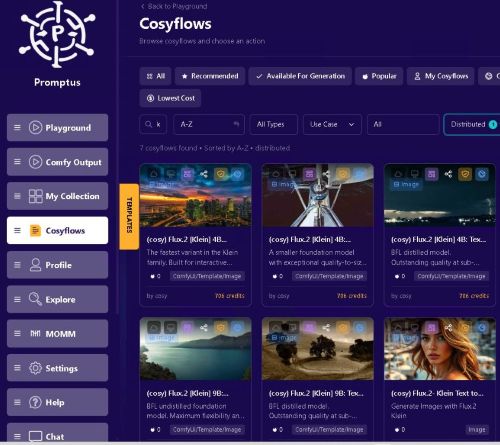
Why LTX on Promptus is the Ultimate Free Video AI Alternative
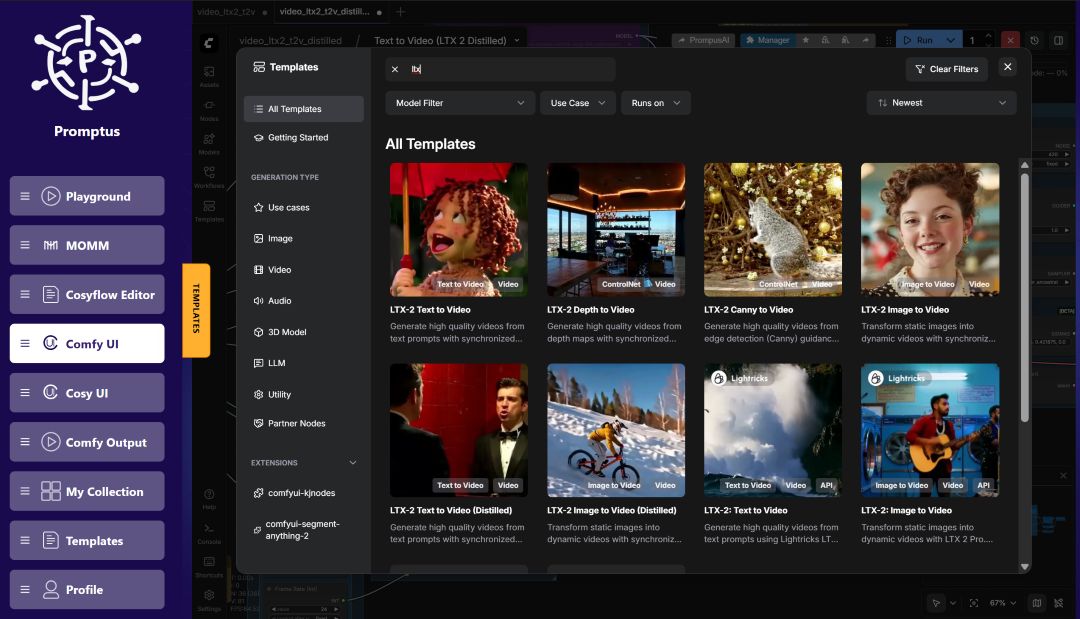
Many creators turn to web platforms for features like consistent characters and timeline control, but you can achieve identical—and more customizable—results locally. By using the vetted workflow registry in Promptus, you gain instant access to 13 specialized LTX environments:
- Uncapped Generation: No credits, no queues, and total data privacy.
- Advanced ControlNets: Go beyond basic prompting with specialized structural guidance.
- Synchronized Audio & Lip Sync: The latest LTX-2.3 workflows generate coordinated audio-visual outputs natively.
The Top Local LTX Workflows to Run Today
Through Promptus, you can instantly connect your local ComfyUI instance to execute specialized, production-ready blueprints:
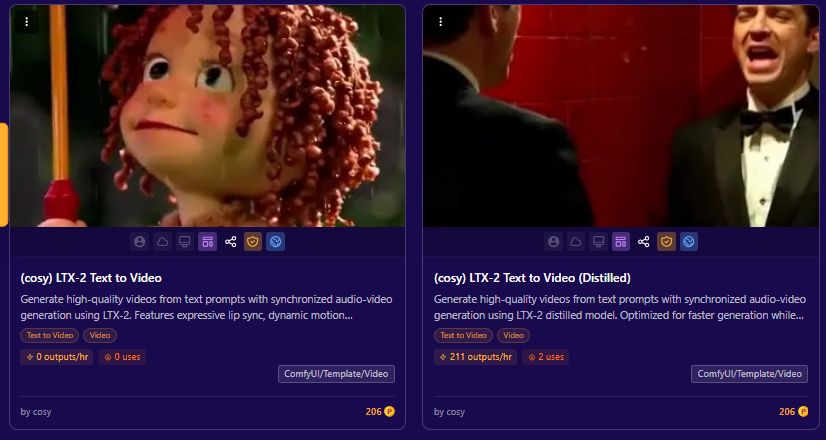
1. Text-to-Video & Distilled Speeds (LTX-2 & LTXV)
Generate high-quality video assets natively from text prompts. If you are testing hooks or racing against a deadline, use the (cosy) LTX-2 Text to Video (Distilled) workflow. It is mathematically optimized for accelerated inference speeds while preserving structural fidelity and natural motion.
2. Image-to-Video (LTX-2.3)
Transform static character portraits or AI-generated images into dynamic scenes. The LTX-2.3 Image to Video workflow offers vastly improved motion consistency, sharper fine details, and native support for vertical/portrait formats—making it ideal for mobile content and modern ad campaigns.
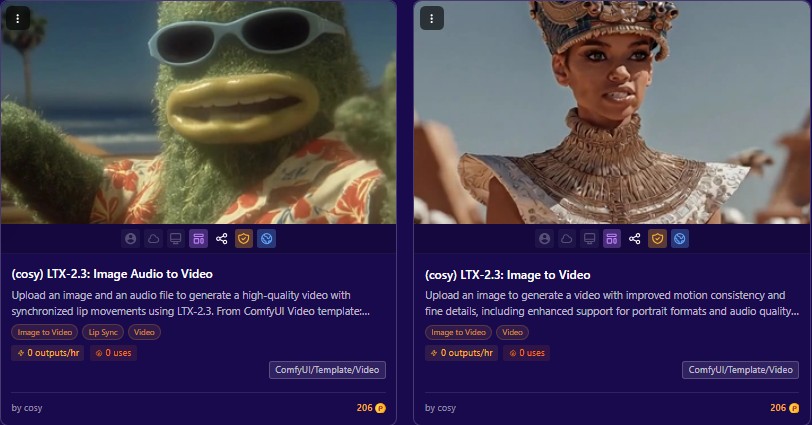
3. Audio to Video (LTX-2.3)
Instead of rendering a video and paying for a secondary lip-syncing SaaS tool, use (cosy) LTX-2.3: Image Audio to Video. Provide a source portrait and an audio file to output a highly synchronized, talking-head video clip with realistic lip movements and micro-expressions in a single step.
4. Advanced Structure Control: Canny & Depth
When a project requires strict camera blocking or specific object layouts:
- LTX-2 Canny to Video: Uses edge detection to maintain exact outlines and geometric boundaries across frames.
- LTX-2 Depth to Video: Leverages spatial depth maps to ensure perfect 3D awareness, foreground-background separation, and flawless camera panning.
Optimizing Local Generation Settings
To get the absolute most out of the LTX engine on your local setup, configure your generation nodes with these production baselines:
Resolution & Length
- Standard Framing:
1024x576delivers the optimal balance of speed and sharpness. - Duration: Aim for 97 frames (approx. 4 seconds) or scale up to 129 frames (5 seconds) for longer sequences.
Motion Parameter Shifts
Adjust the motion settings depending on the energy your scene requires:
Creating Videos from Text Prompts
Write detailed, precise prompts in the text box for better results. Include camera movement descriptions, background details, and lighting specifications.
Configure your video settings:
- Resolution: 1024x576 works well with LTX's speed
- Length: Up to 5 seconds (129 frames) or stick with 97 frames for 4-second videos
- Steps: Set to 40 for text-to-video generation
Adjusting Motion Controls for Different Effects
For fast, dynamic action scenes:
- Max shift: 2.5 to 3
- Base shift: 1 to 1.5
- Terminal: 0.05
For minimal movement:
- Max shift: 1 to 1.5
- Base shift: 0.6 to 0.8
- Stretch: false
- Terminal: 0.2
Set CFG value between 3-6 to control how closely results match your prompt.
Image Compression Secrets
When executing Image-to-Video (I2V) workflows, your compression settings dictate character consistency. Set your image compression between 40 and 60. Lower compression rates force the LTX engine to stick incredibly close to your source image, preserving facial features and outfit details perfectly.
Stop Paying for the Cloud. Own Your Tools.
You don't need expensive corporate video packages or cloud-gated apps to build cinematic AI stories. By bringing the LTX engine into a local ecosystem, you keep your workflows fast, free, and completely secure.
Ready to deploy these 13 LTX blueprints with a single click?
Level up your team's AI capacity—collaborate with Promptus. Become a sovereign creator today at promptus.ai.