AI Generator
Seedream 4.5
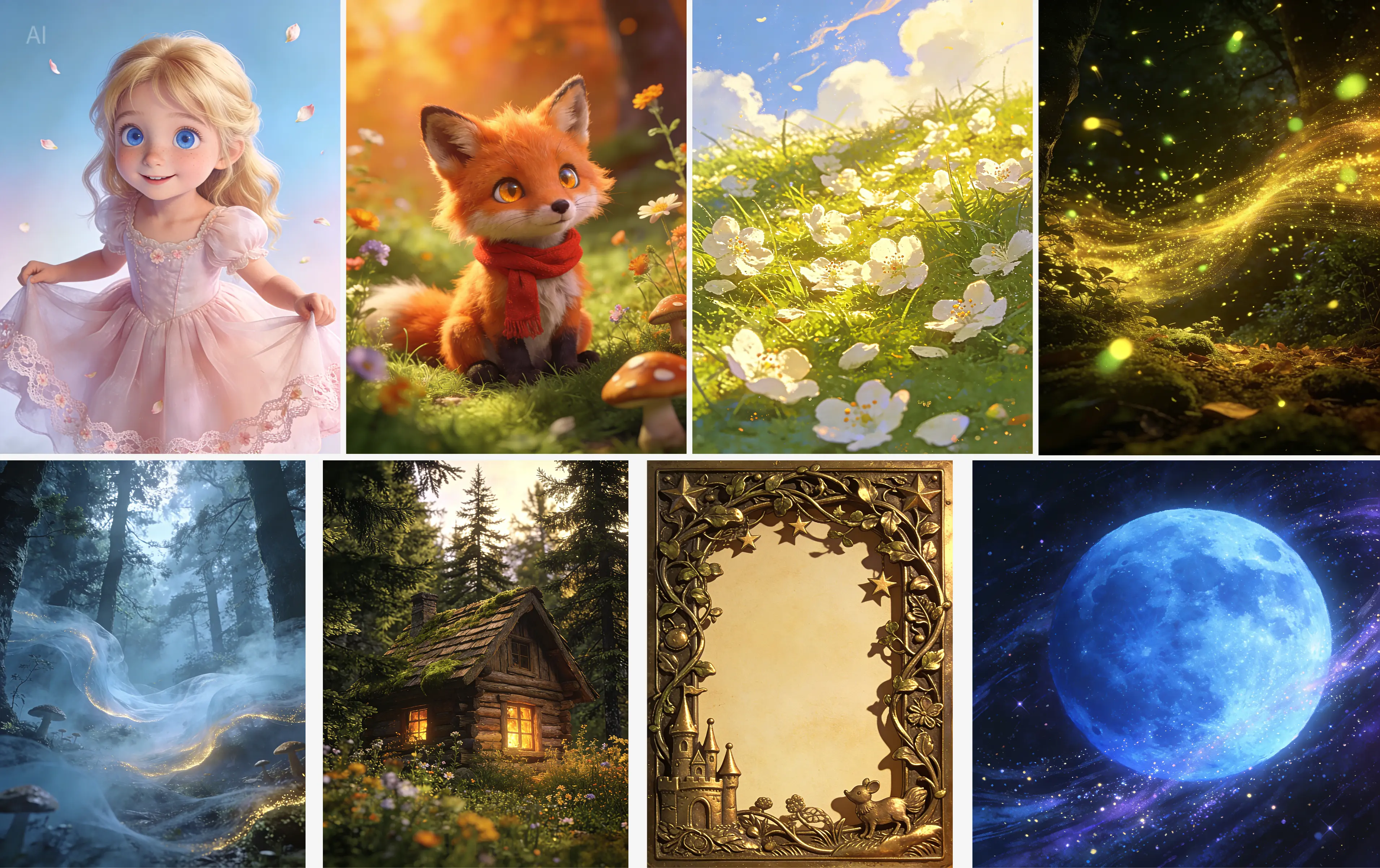

Core Features and Examples
🎨 Consistency with Reference Image
ByteDance’s Seedream 4.5 Seedream 4.5 is built for high-fidelity preservation, allowing for complex editing while maintaining the integrity of the original source.
- Feature: Preserves the reference image's facial features, lighting, color tone, and other subtle details, delivering professional editing capabilities.
- Example: Only keep the character in the green outline, and delete the other characters.
🖼️ Poster Layout and Logo Design
Achieve professional design output directly from a prompt.
- Feature: Offers designer-level composition and typography. Together with clear and readable small text rendering, it is ideal for posters, brand visuals, and other creative scenarios.
- Example: Generate a sleek, modern poster for a new energy drink, including a logo and a clear, readable slogan in the bottom corner.
🌐 Accurate Multi-image Editing
Ensure consistency across an entire campaign or project.
- Feature: Accurately identifies the target elements across multiple input images, enabling controllable and consistent multi-image generation.
- Example: Change the color of a product from blue to red in two separate product photos, maintaining the exact same shade of red across both images.
Model Performance
In comparison with Seedream 4.0, Seedream 4.5 has significant improvement across core dimensions including prompt adherence, alignment, and aesthetics.
- Text-to-Image Radar Chart
- Single-Image Editing Radar Chart
Who Should Try Seedream 4.5?
🎥 Creators & Influencers
Turn ideas into reels, shorts, TikToks, intros, and loops without filming equipment.
💼 Marketing Teams
Rapidly prototype ads, promo videos, and localized variants.
🧪 Studios & Agencies
Use Seedance 4.5 for pre-viz, pitching, or stylized production-ready assets.
👨💻 Developers & Founders
Embed AI video features directly into your product.
🏢 Enterprises
If your company needs a full commercial license for production use, Promptus can provide enterprise licensing for Seedance 4.5.
Example Prompts to Try Immediately
1. Product Close-Up
A premium smartwatch rotating on a pedestal, dramatic spotlight, clean studio background, slow motion, hyper-realistic.
2. Character Intro
A stylized cat avatar entering a neon gaming room, waving at the viewer, colorful anime aesthetic, 9:16.
3. Concept Scene
A futuristic city at sunrise, drones flying overhead, wide establishing shot, cinematic sci-fi tone.
How To Start Using Seedream 4.5 on Promptus
Step 1 — Sign Up at Promptus
Create an account and access the Seedream tools immediately.
Step 2 — Enable Seedance 4.5
Select the model in your Playground or Promptus ComfyUI Canva dashboard.
Step 3 — Generate Your First Clip
Choose Text-to-Image or Image-to-Image, enter a prompt, select aspect ratio and duration, and click Generate.
Step 4 — Iterate
Refine prompts, adjust scenes, extend sequences, and build out your creative pipeline.

