Story Builder

Story Builder turns multi-scene prompts into cohesive mini-films — describe characters, actions, and camera moves to storyboard your vision.

Scene Control

Create story-driven videos with clear beginning, middle, and end. Specify camera angles and character actions easily.
Try Promptus for free ➜
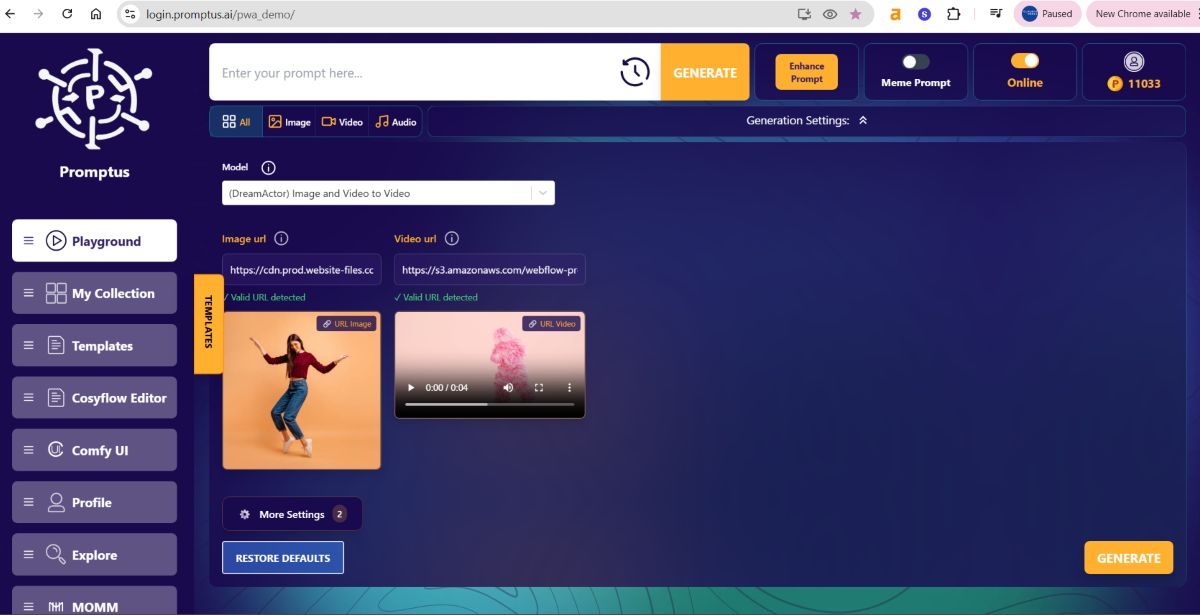
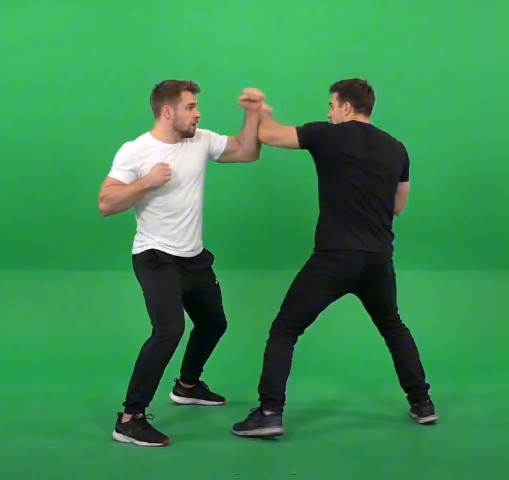
promptus ai local app

Seamless Stitching

Quick answer: To create a visual story with AI in Promptus, use Story Builder to generate a sequence of connected scenes with smooth transitions between them, rather than generating disconnected individual images and manually stitching a narrative together yourself.

Enjoy smooth transitions between scenes.

Story Builder
FAQs

Describe characters, actions, and camera moves for each scene — the more specific the shot and action description, the more control you have over the resulting storyboard.
Yes, Story Builder is built around scene control, including specifying camera angles and actions per scene, which supports reordering as the story develops.
Yes — Story Builder handles smooth transitions between scenes, so you don't have to manually stitch cuts together.
It's designed to make complex, multi-scene video creation as simple as writing a script, useful both for quick concepts and more developed narratives.
AI Story Building using Video

Story Builder makes complex video creation as simple as writing a script. Bring your stories to life without technical hurdles.

Start using Promptus
Start running your first workflow
Go from idea to production-ready output in minutes.
Try Promptus for free ➜