No Designer Needed
Scene and Lighting Control in AI image generation delivers instant results so you can focus on creativity, not tools. Get cinema-level visual control — adjust depth, drama, and mood like a pro.
Try Promptus for free ➜.png)
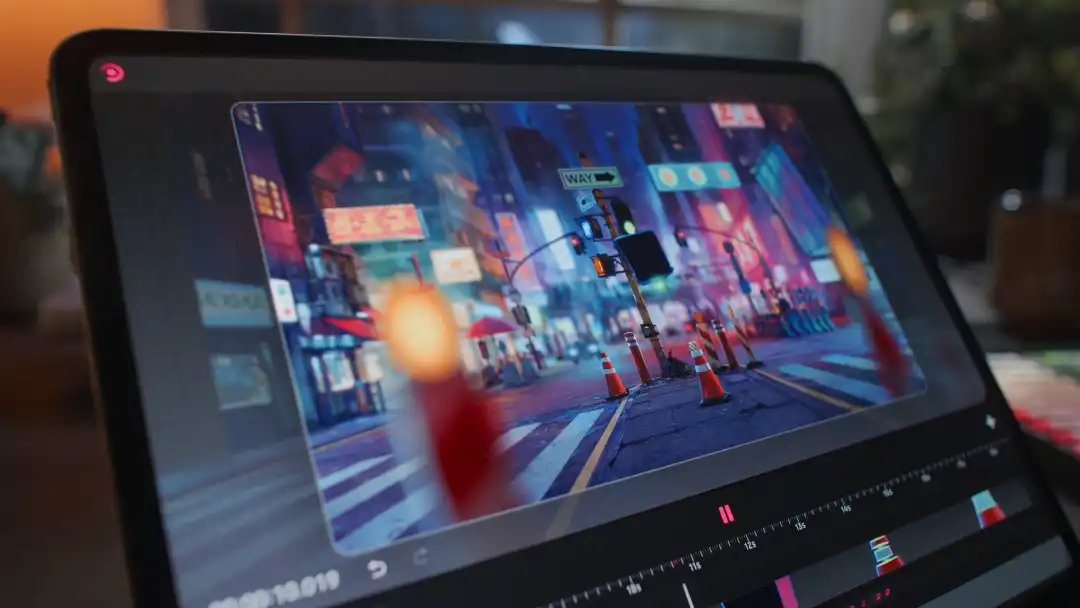
Quick answer: To control lighting in AI-generated images, use Scene and Lighting Control in Promptus to customize your composition's lighting direction, angle, and depth directly, giving you pro-level control over mood and atmosphere without needing to describe lighting purely through text prompting.
Customize your composition's lighting, angles, and depth for pro-level control.
Adjust camera angle, shadows, and mood to generate visually perfect images every time.
Start using Promptus