Quick Mode

Quick Mode delivers ready-to-share video clips in seconds, perfect for when inspiration strikes. It optimizes generation speed to get your ideas live fast.

Minimal Wait

Get a finished video almost instantly, ideal for trending content. Move from prompt to post without delays or queues.
Try Promptus for free ➜
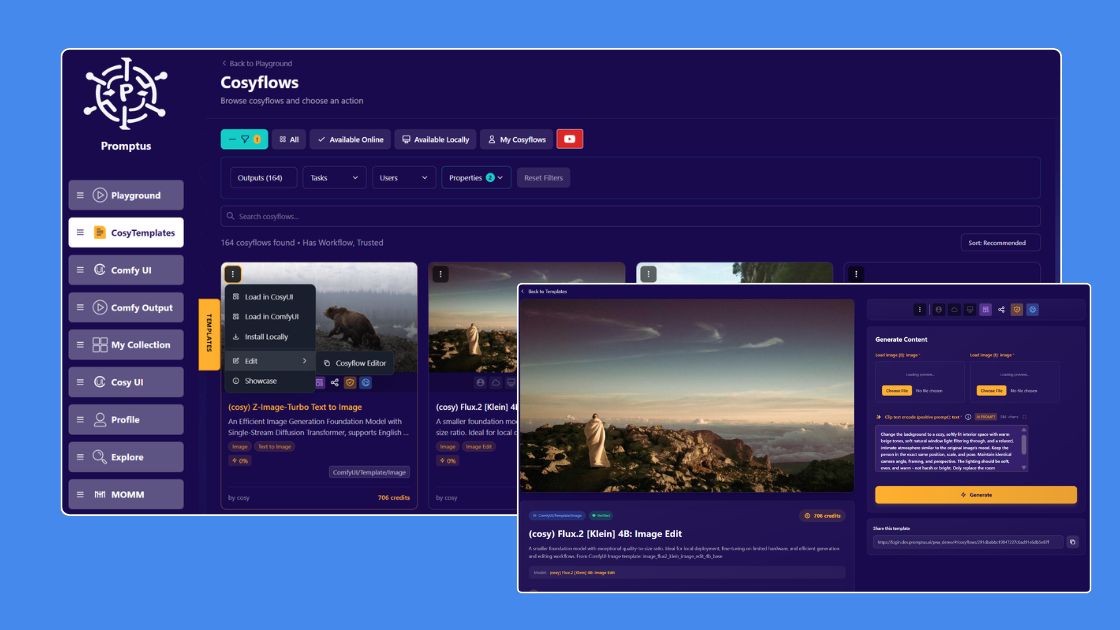
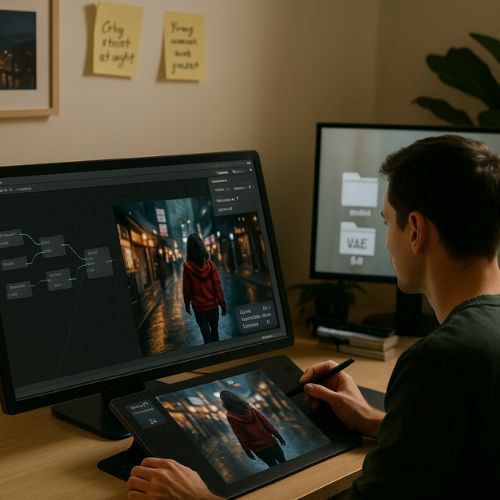
promptus ai local app

On-Demand Creativity

Quick answer: To generate AI images faster in Promptus, use Quick Mode — it's built to capture and generate from a fleeting idea before it slips away, trading some of the fine-grained control of a full workflow for speed when you just need a result fast.

Capture and share fleeting ideas before they slip away.

Quick Mode
FAQs

Quick Mode is optimized for generation speed so you can move from prompt to post fast, which makes it best suited for quick, shareable clips rather than a final high-fidelity production pass.
It's built to deliver a ready-to-share clip in seconds — designed for moments when you want to act on an idea immediately, before the moment passes.
Use Quick Mode when speed matters most, like capturing a trending idea right away; reach for a higher-fidelity mode when the output needs to be studio-grade polished.
It's built for capturing fast, shareable content in the moment — ideal when inspiration strikes and waiting isn't an option.
Fast AI Image and Video Generation

Quick Mode turns moments of inspiration into shareable videos without delay. You'll never miss a trend or idea again.

Start using Promptus
Start running your first workflow
Go from idea to production-ready output in minutes.
Try Promptus for free ➜