Rich Guidance
Use text or voice or both to describe your creative vision. Provide nuanced direction for both visuals and audio.
Try Promptus for free ➜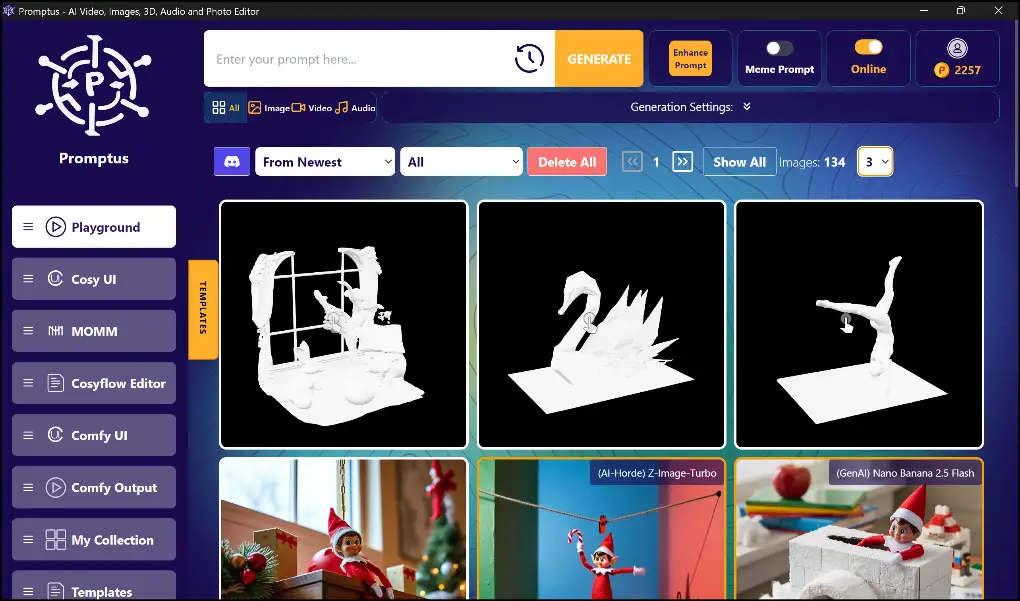
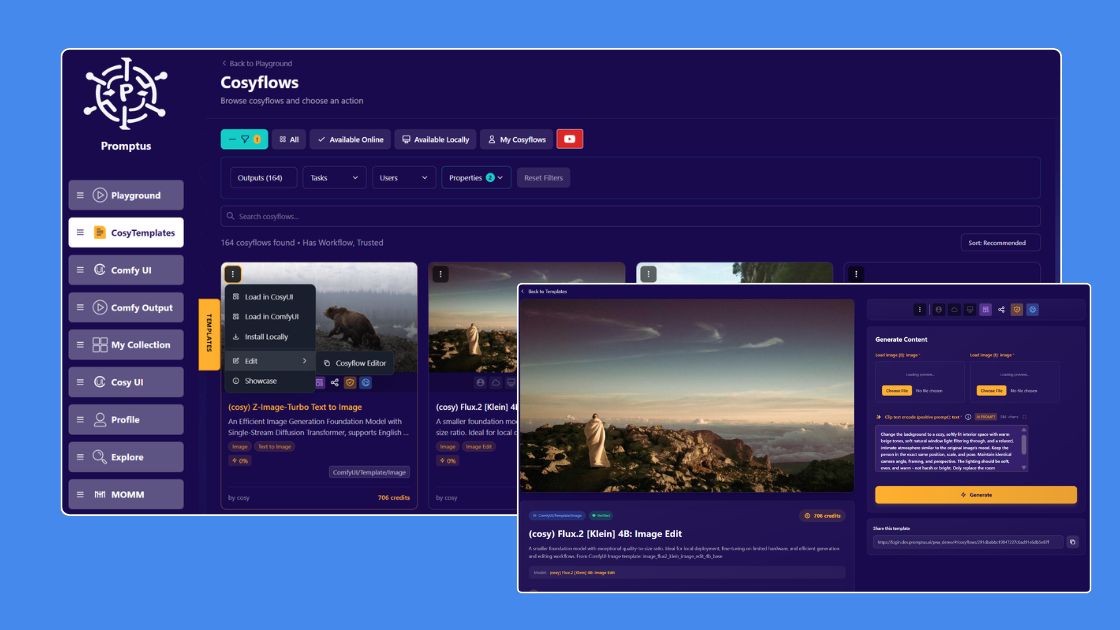
Quick answer: Multimodal input means a generative AI system can accept more than just typed text — for example, spoken voice, an uploaded image, or a reference video — as the basis for generation. In Promptus, Multi Modal Input lets you create videos by speaking your idea instead of typing it out.
Create videos by speaking, without typing a word.
Multi Modal Input adapts to your workflow, letting you speak or write as you prefer. It delivers richer, more precise video outputs by combining inputs.
Start using Promptus