AI Upscale

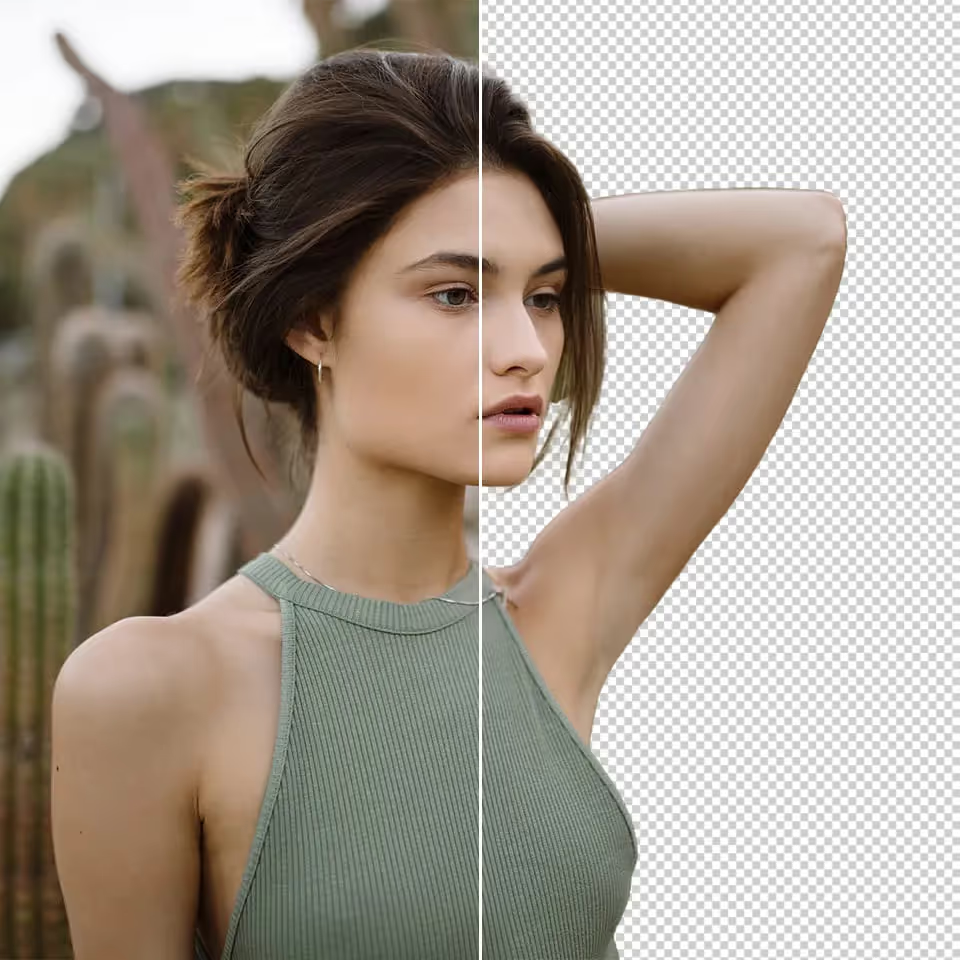
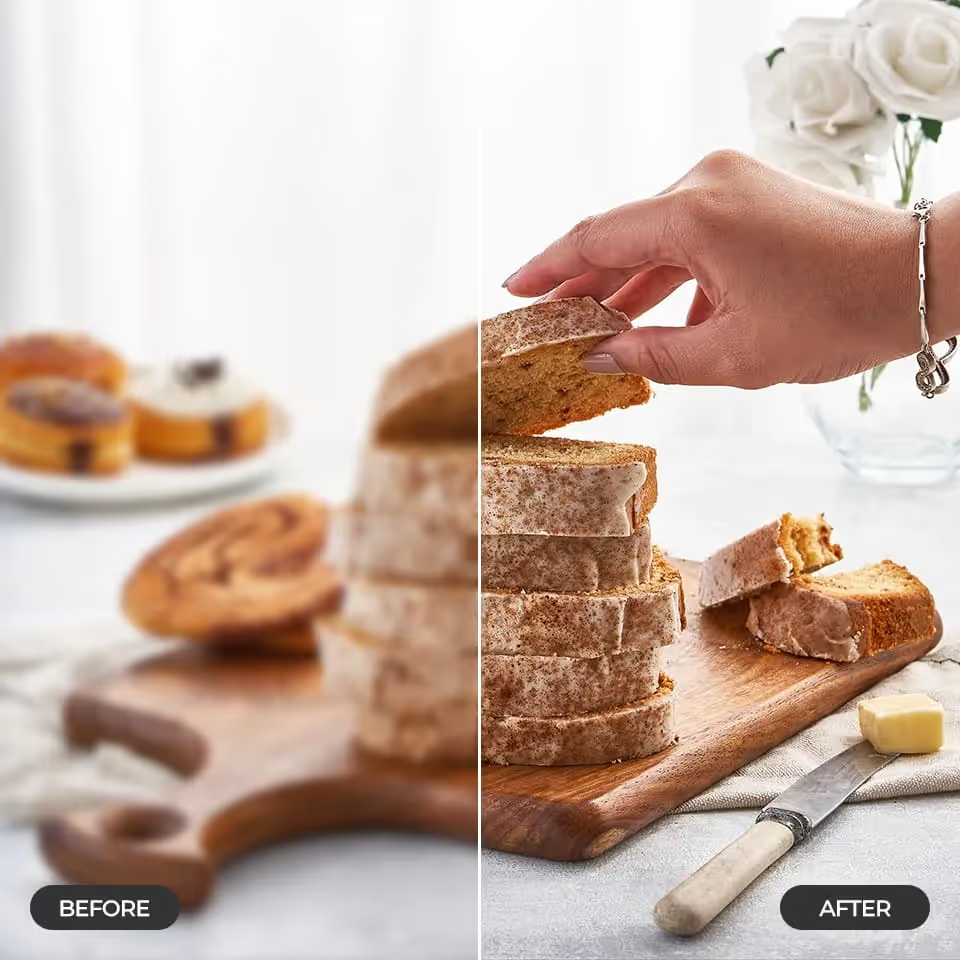
Enhance image resolution and detail automatically. AI Upscale turns low-res visuals into high-quality, pro-ready assets in seconds.

No-Edit Needed

Enhance image resolution and detail. From pixelated to pro-grade in one step. Get high-res outputs in seconds — ideal for bulk or last-minute edits.
Try Promptus for free ➜
promptus ai local app

High Image Upscale

Quick answer: To upscale an image with AI in Promptus, upload the image and run AI Upscale — it sharpens detail and increases resolution automatically, with no manual slider adjustments or guesswork, producing a result sharp enough for marketing, ads, or print.

Create sharp, polished visuals suitable for marketing, ads, or print. Upload and upscale — no sliders, no guesswork.

AI Upscale
FAQs

Upload the image you want to enhance and run AI Upscale — there are no sliders or manual settings to configure, it goes from pixelated to pro-grade in one step.
AI Upscale is built to work with minimal configuration; the emphasis is on a one-step upscale rather than exposing granular controls.
Yes — it's built to deliver high-resolution output in seconds, which makes it usable for bulk or last-minute edits.
Marketing assets, ads, and print-ready visuals, where you need sharp, polished output without re-generating the original image.
Try AI Upscale

Upscale like a pro without needing tools or time. More content, higher fidelity, zero friction.

Start using Promptus
Start running your first workflow
Go from idea to production-ready output in minutes.
Try Promptus for free ➜