Laden Sie die Promptus Local AI App herunter
promptus ai
promptus
promptus generative ai platform
  • ComfyUI
    ComfyUI
    MoMM
    MoMM
    Create Video
    Create Video
    Image Editing
    Image Editing
    Prompt Enhancer
    Prompt Enhancer
    AI Image Generator
    AI Image Generator
    AI Backgrounds
    AI Backgrounds
    All tools
    All tools
    Product
    ComfyUI Cloud
    ComfyUI Cloud
    ComfyUI Installer
    ComfyUI Installer
    ComfyUI Lokal
    ComfyUI Lokal
    Promptus Web
    Promptus Web
    KI-Video
    KI-Video
    KI-Modelle
    KI-Modelle
  • Vorlagen
    Vorlagen
  • Blog
    Blog
  • Preise
    Preise
EN
ES
ES
FR
FR
App herunterladen
App herunterladen
Kostenlos registrieren

ComfyUI vs Promptus

The better way to build AI workflows in 2025

Why Compare These Two Platforms?

Both ComfyUI and Promptus are at the forefront of generative AI tools. While ComfyUI is a flexible, open-source system, Promptus brings it to the cloud—offering ease, scalability, and powerful collaborative features without the technical overhead.

What is Promptus?

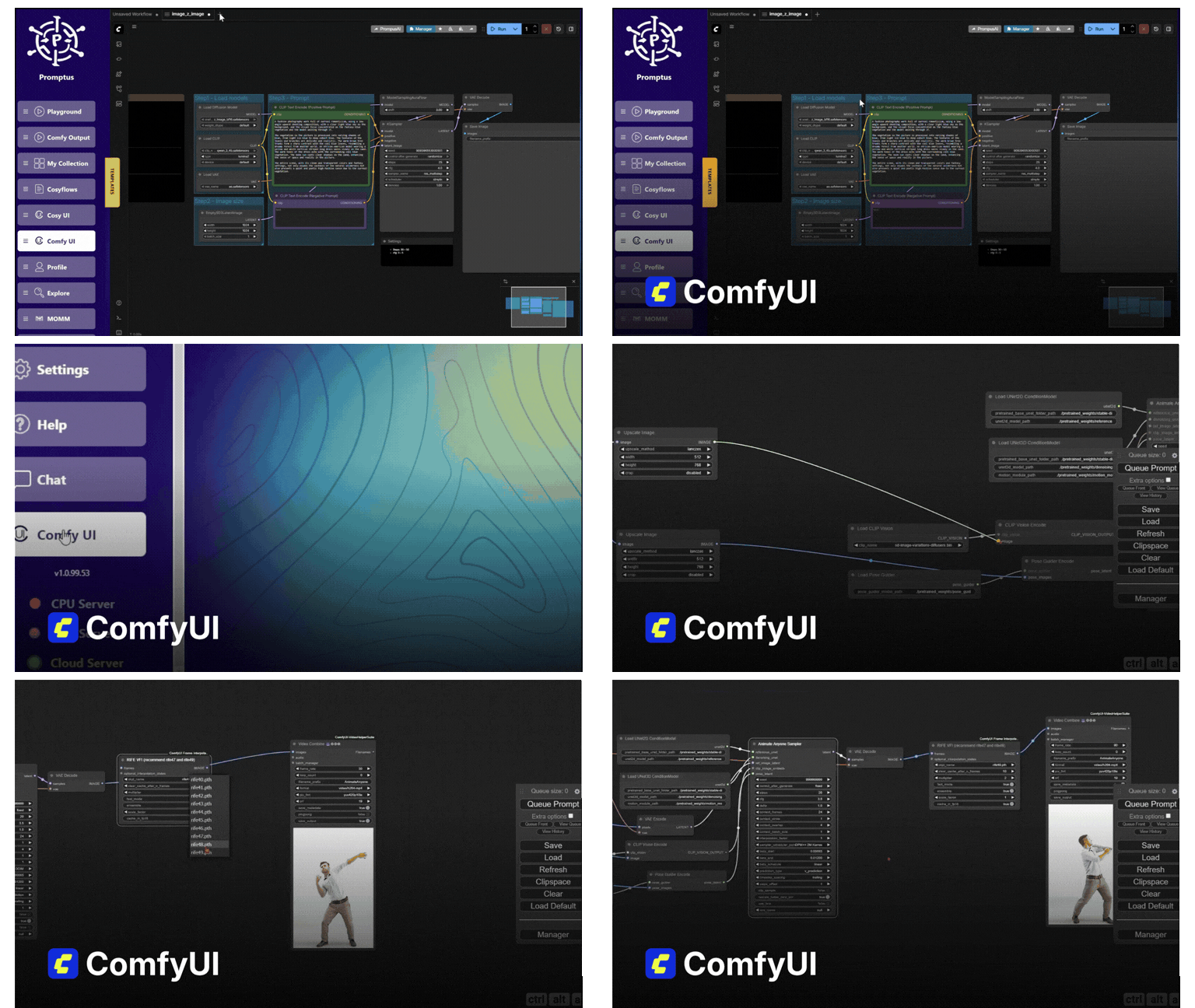
Promptus is the cloud-powered version of ComfyUI that makes advanced AI workflows accessible to everyone. It combines the power of distributed cloud GPUs with a user-friendly interface, allowing you to create stunning AI-generated content without the technical complexity.

🌐 Access Anywhere

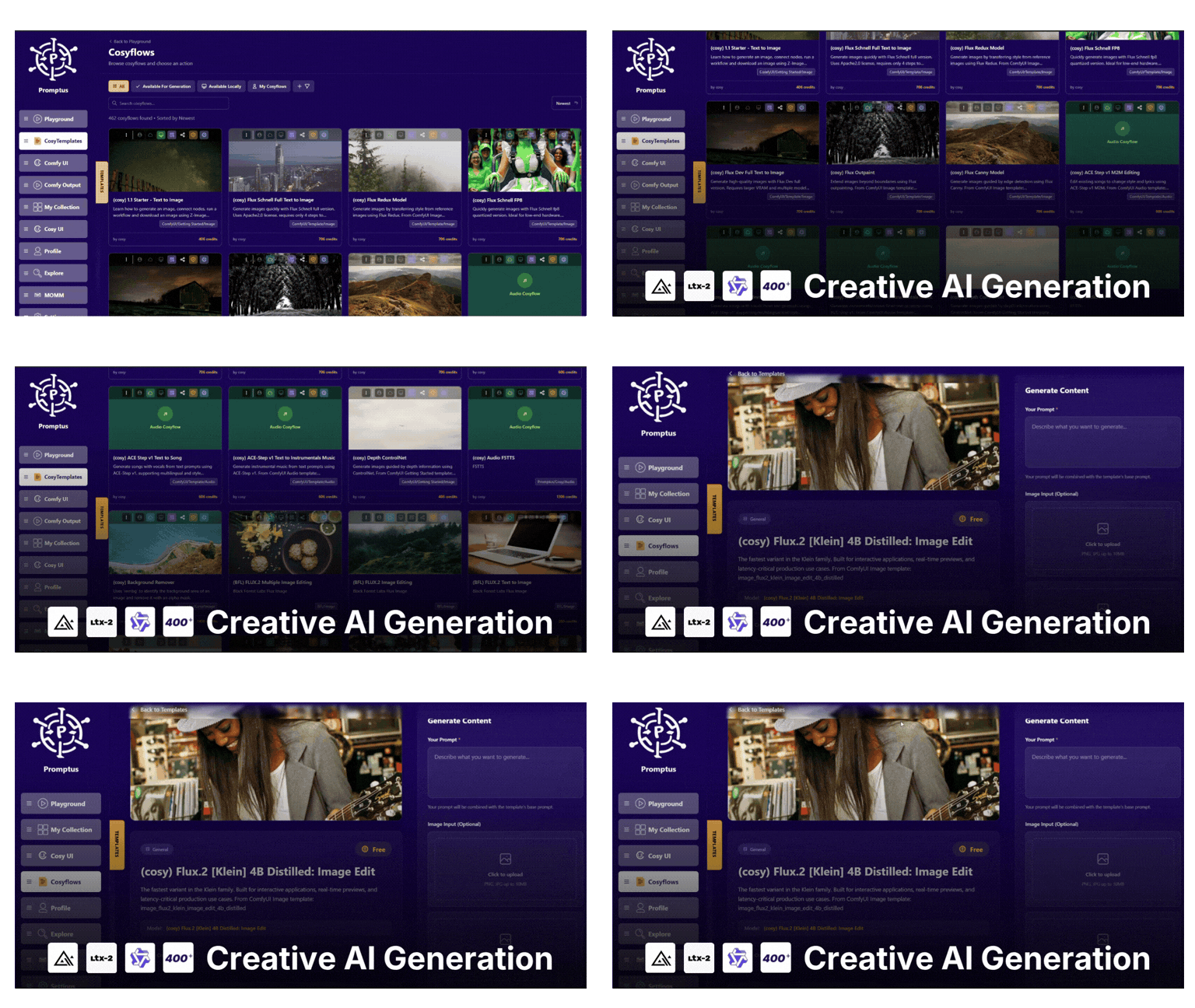
Use Promptus in your browser on any device or download the desktop app for a hybrid experience.

🎨 No-Code Creation

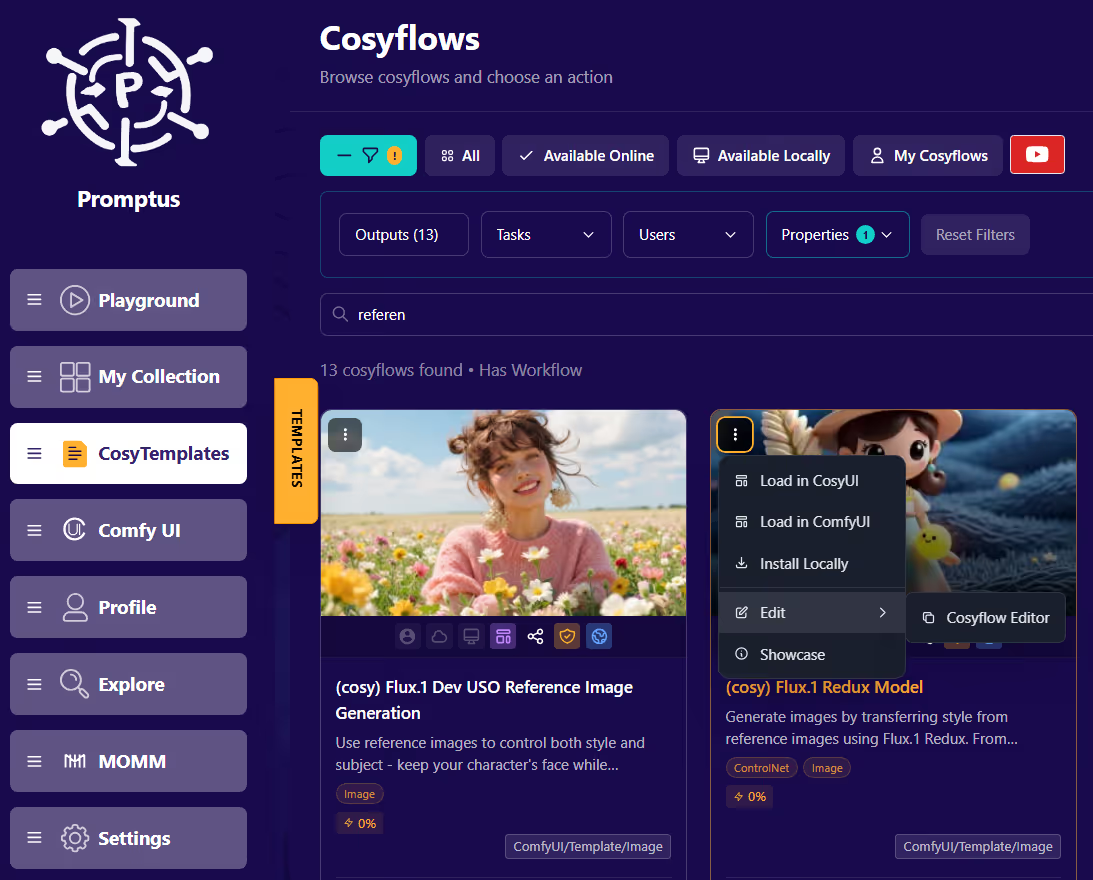
Visual CosyFlows editor with prebuilt templates for images, videos, and 3D models.

👥 Collaborate

Real-time multi-user sessions and shareable workflows in a public gallery.

Complete Feature Comparison

Feature Promptus (Cloud) ComfyUI (Local)
Installation One-click browser app or download Manual (Python, Git)
Platform Access Web app (any device) + optional desktop app Desktop only
Hardware Your local GPU or Distributed cloud GPUs Your local GPU (requires good specs)
Model Access Built-in models (SDXL, HiDream, Flux, Gemini Flash, etc.) User installs and manages models manually
Workflow Editor Visual, no-code CosyFlows + node view Node-based canvas (JSON logic)
Ease of Use Beginner-friendly, prebuilt templates Technical learning curve
Advanced Features Image-to-video, animation, 3D generation (Hunyuan3D), effects Full node customization, deep control
Collaboration Real-time, multi-user sessions Single user only
Sharing Save, remix, and publish workflows to a public gallery Manual export/import of JSON files
Security Cloud-secured, no local data dependency Full local control (but manual management)
Updates Auto-managed in the cloud User maintains ComfyUI and custom nodes
Cost Free tier + GPU credits or subscriptions Free, but requires strong GPU and local setup time

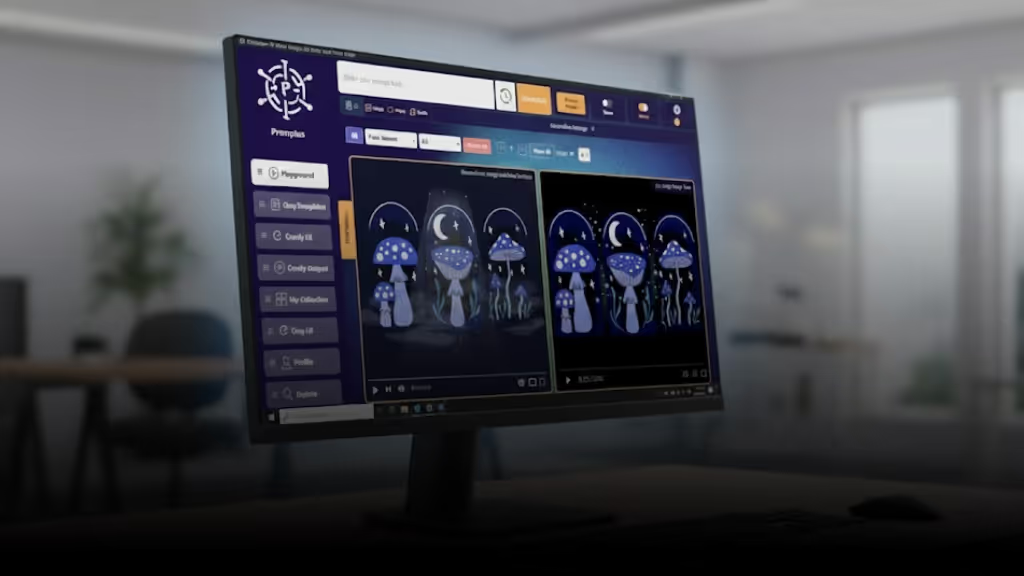
Visual Comparison

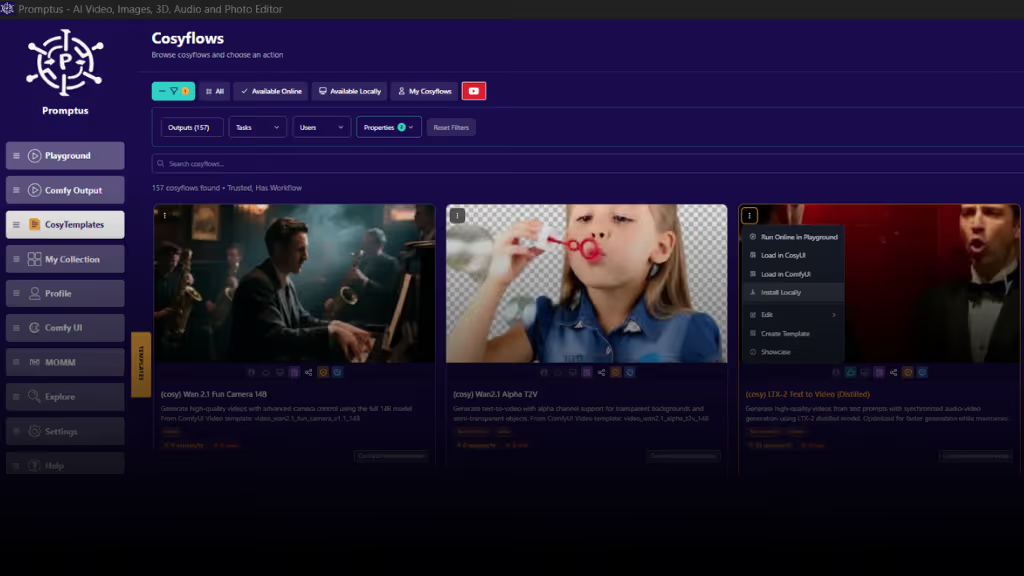
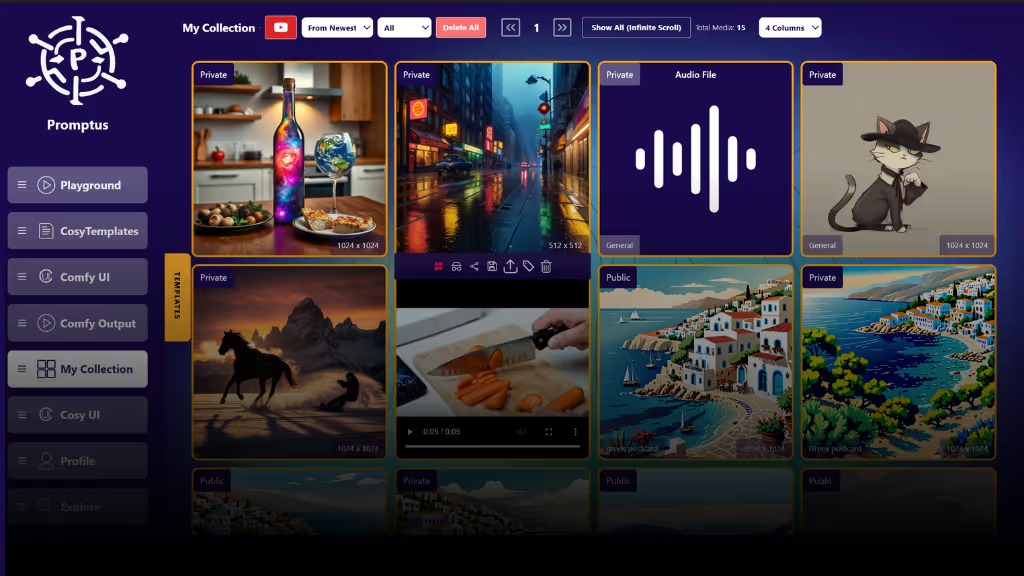
Promptus AI Interface

Who Should Use What?

🎨 Use Promptus If You Want:

  • ✅ A quick, no-install way to run ComfyUI in your browser or on your PC
  • ✅ Prebuilt CosyFlows to generate images, videos, or 3D assets
  • ✅ Easy access to top-tier models like Gemini Flash or HiDream
  • ✅ Real-time collaboration, shareable workflows, or a public gallery
  • ✅ A streamlined, beginner-friendly AI experience
  • ✅ Full offline access and privacy options

🛠️ Use Local ComfyUI If You Want:

  • ✅ Absolute control over every node, model, and workflow detail
  • ✅ Custom node development
  • ✅ Manual verification of nodes and software
  • ✅ A DIY setup with complete local control

Promptus Capabilities

Promptus brings ComfyUI to the cloud—making it accessible, powerful, and shareable without the technical overhead. It's ideal for creators, teams, educators, and professionals working across image, video, and 3D workflows.

🖼️ Image Generation

Create stunning AI art with SDXL, HiDream, and other state-of-the-art models.

🎬 Video & Animation

Transform images into videos or create animated sequences with ease.

🌐 3D Generation

Generate 3D assets using Hunyuan3D and other integrated models.

Get Started Instantly

Try the cloud-powered ComfyUI experience with Promptus: no setup, no stress.

Start in Browser → Download Desktop App
promptus logo
ai image instagrampromptus youtubeai image platformai image app facebook promptusai image app for creatives Promptus_discord
ai video platformuncensored ai image generator promptusai image app promptus product hunt
App herunterladen
App herunterladen
KI-Tools
  • Bildbeschreibung
    Bildbeschreibung
  • Prompt-Optimierung
    Prompt-Optimierung
  • KI-Meme-Generator
    KI-Meme-Generator
  • KI-Video-Generator
    KI-Video-Generator
  • ComfyUI-Workflows
    ComfyUI-Workflows
  • KI-Modell Flux
    KI-Modell Flux
  • Wan 2.5 Text-zu-Video
    Wan 2.5 Text-zu-Video
  • Google Nano Banana Pro
    Google Nano Banana Pro
Kostenlose Tools
  • KI-Modelle
    KI-Modelle
  • KI-Bildgeneratoren
    KI-Bildgeneratoren
  • ComfyUI Lokal
    ComfyUI Lokal
  • ComfyUI-Artikel
    ComfyUI-Artikel
  • Einfacher ComfyUI-Installer
    Einfacher ComfyUI-Installer
  • Bilder komprimieren
    Bilder komprimieren
  • Hintergrund entfernen
    Hintergrund entfernen
Modelle
  • DreamActor M2
    DreamActor M2
  • Seedance 2.0
    Seedance 2.0
  • LTX-2
    LTX-2
  • Veo 3 Video
    Veo 3 Video
  • Nano Banana
    Nano Banana
  • Flux Image
    Flux Image
  • Wan Video
    Wan Video
  • Opensource
    Opensource
  • API-Modelle
    API-Modelle
Unternehmen
  • Download
    Download
  • Kostenloser KI-Kunst-Generator
    Kostenloser KI-Kunst-Generator
  • Partnerprogramm
    Partnerprogramm
  • Über uns
    Über uns
  • KI-Maker
    KI-Maker
  • Kontakt
    Kontakt
  • Blog
    Blog
  • FAQs
    FAQs
© Promptus 2026 Alle Rechte vorbehalten

Nutzungsbedingungen & Datenschutz