%20(2).avif)
%20transparent.avif)

Google’s latest AI image model, Gemini Flash 2.5 (aka “Nano Banana”) editing features
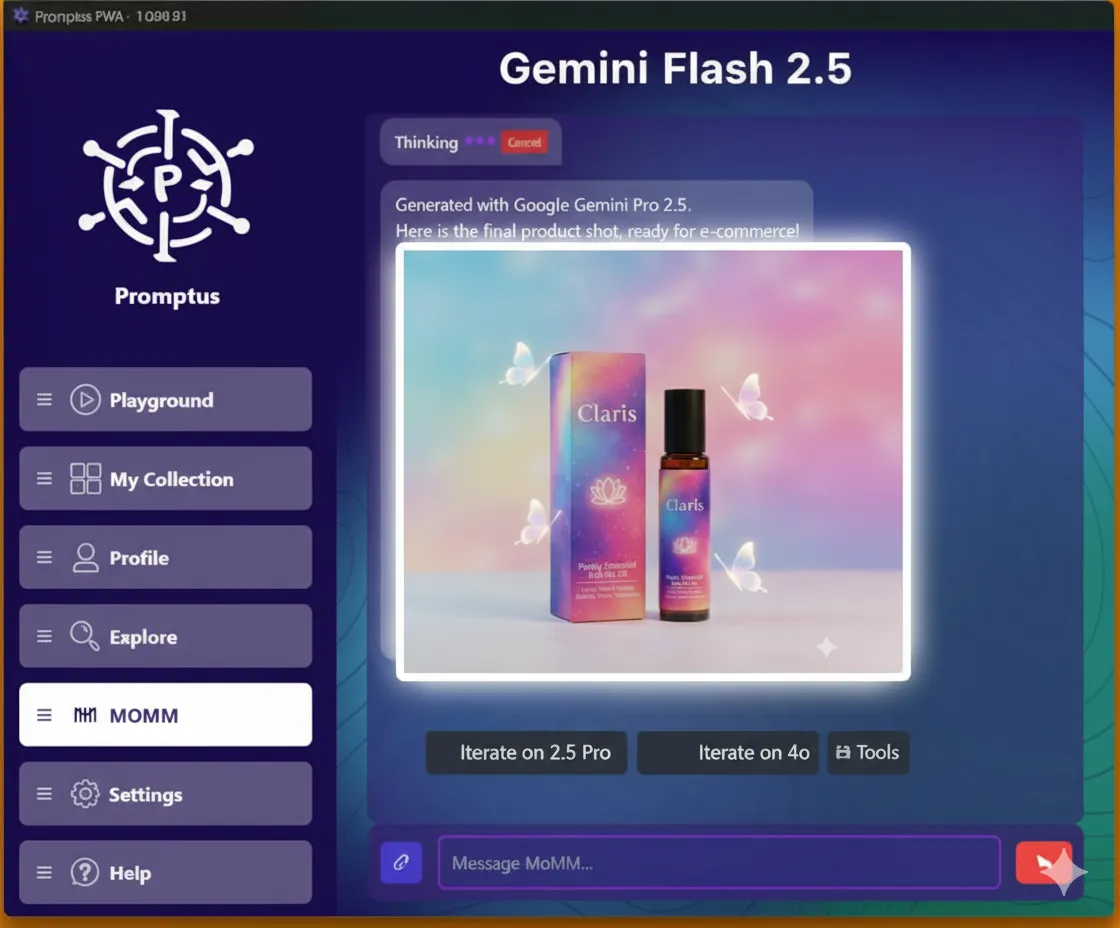
Quick answer: Promptus gives you Nano Banana's AI photo editing — local and global edits, multi-turn conversational editing, and photo restoration — directly on your PC through the same desktop app used for local AI image generation, alongside models like Flux and Stable Diffusion, instead of a separate cloud-only editor.
Note: Since this guide was written, Nano Banana has expanded into a model family (Nano Banana 2, Nano Banana Pro, Nano Banana 2 Lite) — see Google's official announcement. Google describes Nano Banana 2 as able to "maintain character resemblance of up to five characters and the fidelity of up to 14 objects in a single workflow," supporting resolutions from 512px to 4K. The core editing workflow below still applies.
Whether you’re restoring an old photo, adjusting lighting, or creating complex multi-turn edits, Nano Banana combines speed, fidelity, and world knowledge to deliver results that feel both natural and precise.
✨ Core Editing Features
1. Local & Global Edits
- Make changes to a specific part of an image or transform the entire scene.
- Works seamlessly across small tweaks and large-scale transformations.
Example Prompts:
- “Remove the person standing in the background.”
- “Change this photo of the park from daytime to sunset.”
2. Multi-Turn Conversational Editing
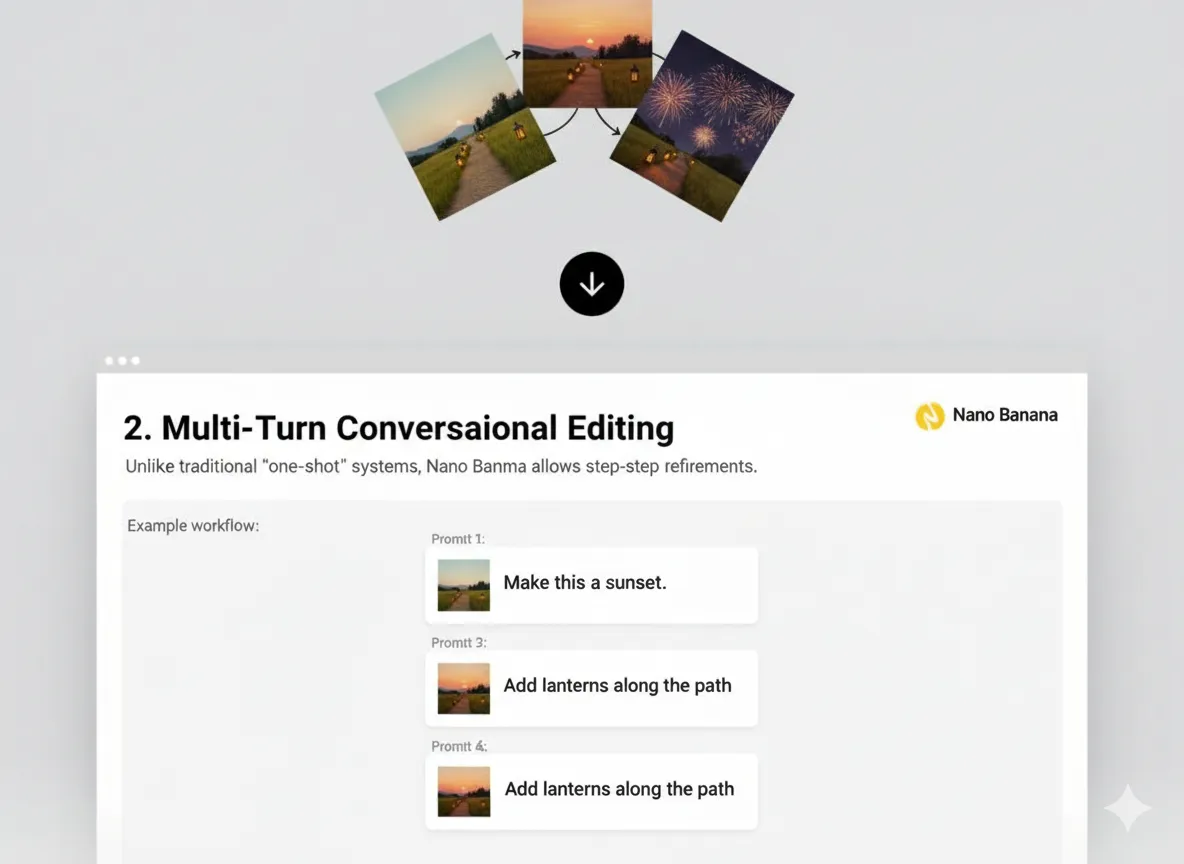
- Unlike traditional “one-shot” systems, Nano Banana allows step-by-step refinements.
- Each step builds naturally on the previous edit without breaking image consistency.
Example Workflow:
- Prompt 1: “Make this a sunset.”
- Prompt 2: “Add lanterns along the path.”
- Prompt 3: “Put fireworks in the background.”
3. Recoloring & Restoration
- Photo restoration: Repair scratches, sharpen blurry details, and colorize black-and-white images.
- Creative recoloring: Change clothing colors, product finishes, or entire palettes with realistic lighting and textures.
Example Prompts:
- “Restore this old photo: remove scratches and sharpen the details.”
- “Recolor this black-and-white wedding photo into natural colors.”
- “Change the sofa color from beige to emerald green.”
4. Object Addition & Removal
- Insert new elements into a photo with context-aware realism.
- Cleanly erase unwanted objects while preserving background detail.
Example Prompts:
- “Add a coffee cup on the desk next to the laptop.”
- “Remove the street sign on the left side of the photo.”
5. Pose & Layout Adjustments
- Modify human or object poses while keeping proportions natural.
- Works with structured compositions like product catalogs, ID cards, or fashion lookbooks.
Example Prompts:
- “Adjust the person’s pose so they are sitting cross-legged instead of standing.”
- “Rearrange the objects on the table into a neat grid layout.”
6. Lighting & Atmosphere Control
- Change weather, time of day, or mood with natural results.
Example Prompts:
- “Turn this summer scene into a snowy evening with warm lights inside the house.”
- “Make this photo look like a cinematic scene with dramatic shadows.”
🎨 Identity & Style Stability
Nano Banana preserves faces, pets, and brand visuals across edits.
Example Prompts:
- “Keep the same person’s face consistent while changing their outfit into a medieval knight’s armor.”
- “Apply a watercolor style filter but preserve the character’s identity.”
🛠️ Practical Use Cases
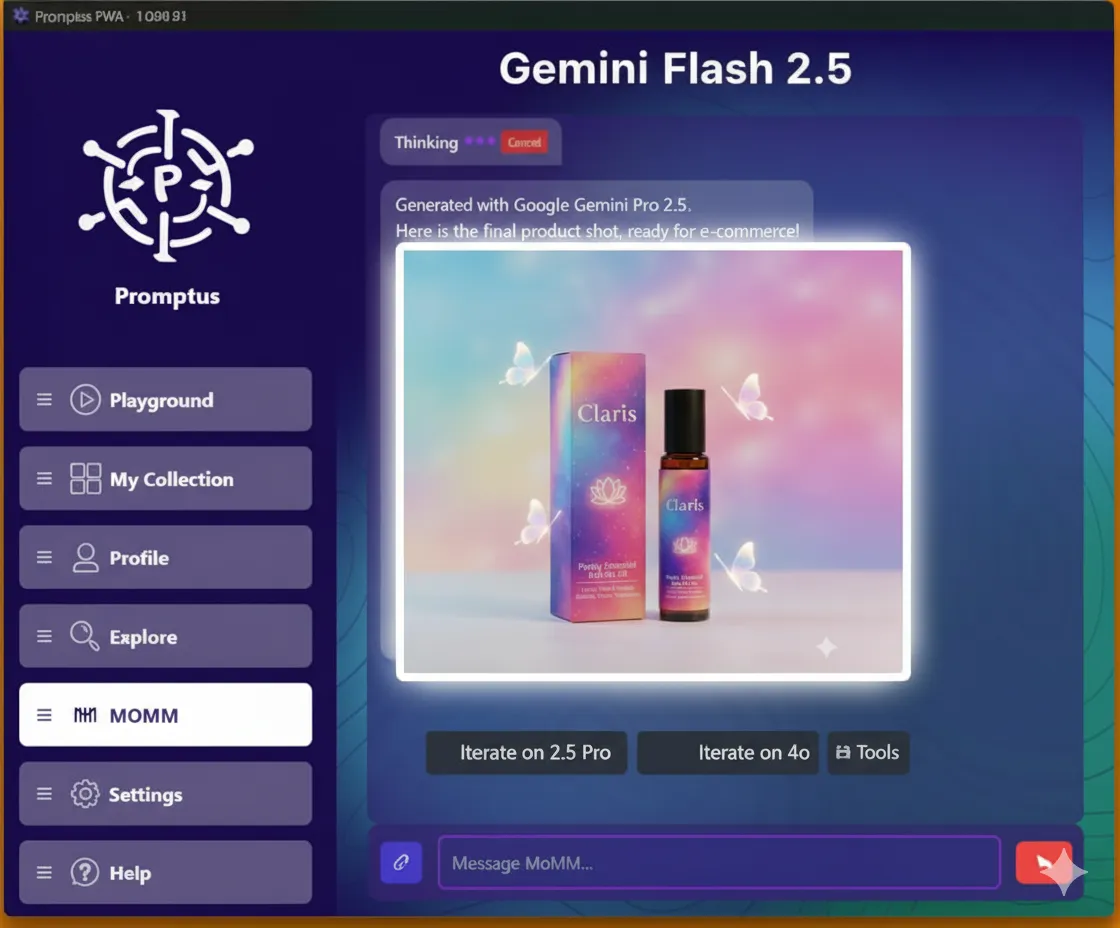
E-Commerce:
- “Generate a winter holiday version of this shoe catalog photo.”
Architecture:
- “Replace the brick exterior of this house with modern glass panels.”
Fashion:
- “Recolor this dress into silk red fabric.”
Heritage Projects:
- “Restore this faded family portrait and colorize it naturally.”
Marketing:
- “Create three ad banner variations: tropical theme, winter theme, and minimalist black-and-white.”
🔒 Responsible Editing
- All edited images include SynthID watermarking.
- Guardrails prevent harmful or deceptive manipulations.
Example Prompt:
- “Add branding text to this photo with a visible watermark in the corner.”
📂 Example: Step-by-Step Edit
Original Prompt:
- “Take this portrait photo. Change background to a sunset beach.”
Follow-up Edits:
- “Add string lights behind the subject.”
- “Recolor the dress to deep blue velvet.”
- “Soften the lighting for a cinematic feel.”
Result:
A natural-looking sequence of edits where the subject’s identity is preserved, and each request builds logically on the last.
👉 With Nano Banana, image editing feels like a conversation — intuitive, precise, and endlessly creative.