%20(2).avif)
%20transparent.avif)

Does ComfyUI have censorship? Short answer: no.
AI image generation is booming, but one of the most common questions creators ask is: does ComfyUI have censorship?
The answer: No—ComfyUI itself is uncensored. Unlike platforms that impose strict filters, ComfyUI is a node-based workflow tool that gives you total freedom. You choose which models, extensions, and safety modules to run—or not run.
This freedom means you can use ComfyUI for uncensored AI image generation and even experimental uncensored AI video generation without artificial limits.
In this article, we’ll cover:
- How ComfyUI handles censorship (or doesn’t).
- How to run ComfyUI completely offline.
- Why Promptus is the best way to access an optimized version of ComfyUI, alongside Google’s Gemini 2.5 Flash Image (Nano Banana).

🚫 Does ComfyUI Have Censorship?
By default, ComfyUI does not include any censorship.
- The results depend entirely on the models you load—Stable Diffusion checkpoints, LORAs, or custom weights.
- If you want moderation, you can add optional nodes like Safety Checker or NudeNet.
- But if you don’t add them, ComfyUI will let you generate uncensored AI images and videos with no restrictions.
This is one of the biggest reasons why creators love ComfyUI: it’s an open playground, not a locked-down tool.
🔒 Running ComfyUI Offline
Another major advantage is the ability to run fully offline:
- Once installed, ComfyUI runs locally on your machine.
- Your prompts, data, and generations stay private—nothing is sent to the cloud.
- You don’t even need an internet connection, except to download models the first time.
This makes ComfyUI perfect for users who want private, uncensored AI workflows at home, in studios, or in professional environments.
👉 Need help with installation? Here’s a step-by-step guide: How Do I Install ComfyUI?
🚀 Promptus: The Best Way to Use ComfyUI
While manual installation works, it can be intimidating for beginners. That’s where Promptus comes in.
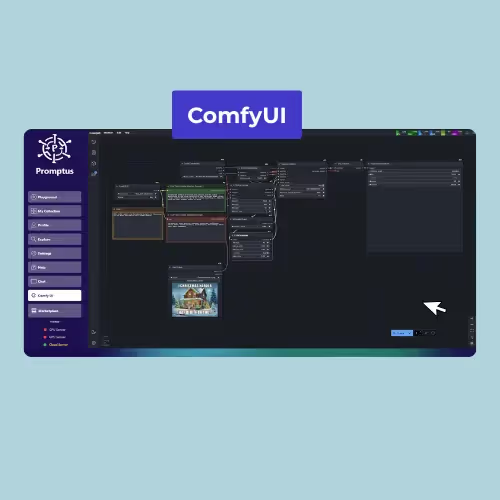
- Promptus has always supported ComfyUI — in fact, the best version of ComfyUI is packaged and optimized by Promptus.
- It’s free to use for paid Promptus users (subscription).
- Or you can buy the Promptus desktop app for a one-time fee of $49, which includes ComfyUI out of the box, pre-configured and ready to run.
And Promptus doesn’t stop there. Inside the app, you also get access to Google’s Gemini 2.5 Flash Image (Nano Banana) — a next-generation model designed for multi-image fusion, character consistency, and targeted editing.
That means Promptus gives you the best of both worlds:
- The flexibility of uncensored ComfyUI, fully offline if you want it.
- The consistency of Gemini Nano Banana, for when you need reliable, polished results.
✅ Conclusion
So, does ComfyUI have censorship? No—unless you choose to add it. Out of the box, ComfyUI lets you generate uncensored AI images and AI videos without restrictions, all while keeping full control of your workflow.
If you want the easiest and most powerful setup, Promptus is the best way to get started—offering both an optimized version of ComfyUI and access to Google’s Gemini Flash 2.5.