AI Music Creation with ACE Step

AI music models have advanced rapidly, but actually using them has been a different story. Until recently, creators had to:
- Manually install ComfyUI and hunt for compatible model weights.
- Configure complex node graphs just to run a simple workflow.
- Struggle with missing pieces — for example, wanting to remix vocals but finding no node existed.
- Spend more time on engineering setup than on making music.
For artists and producers, that technical barrier meant fewer people could experiment with the latest AI breakthroughs.
CosyFlows in Promptus
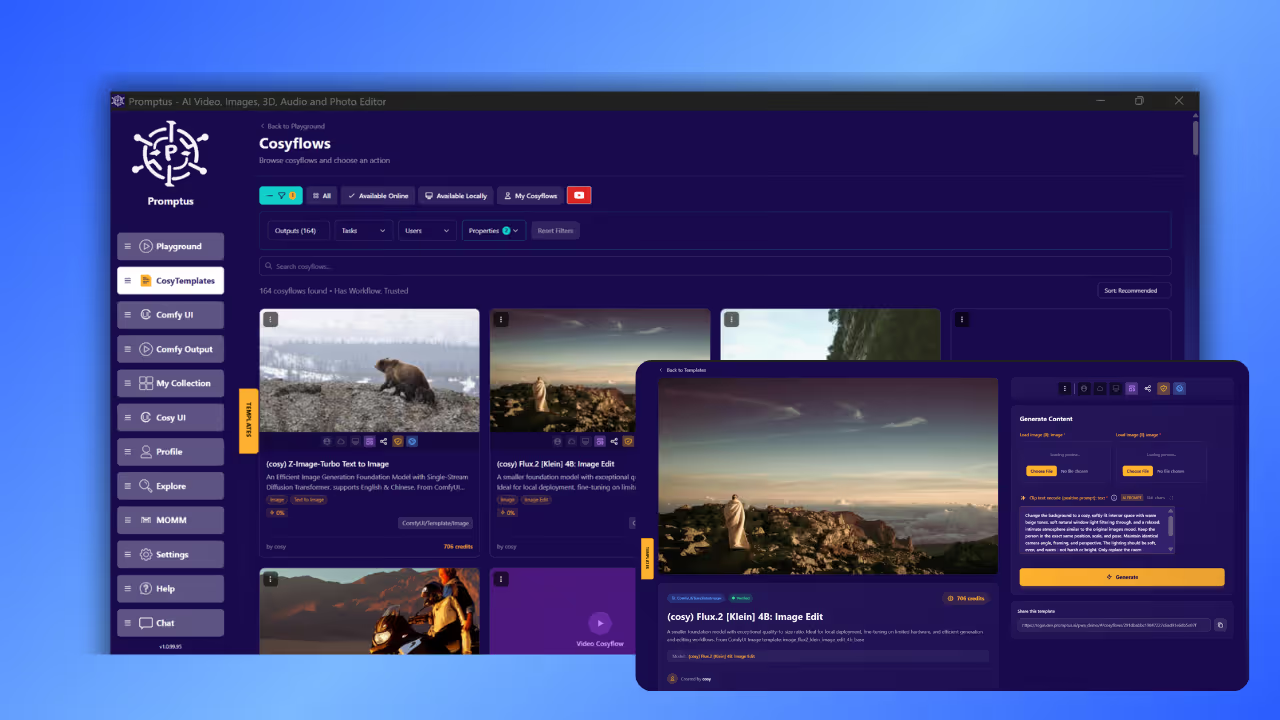
Promptus CosyFlows changes the game. It wraps complex ComfyUI workflows into one-click templates you can open directly in the ComfyUI Canvas inside Promptus.
No installation. No wiring nodes. No model hunting.
Just select a flow and get started creating.
One of the standout examples is:
👉 (cosy) ACE Step v1 M2M Editing
This CosyFlow packages the ACE-Step v1 music foundation model into a workflow that supports three powerful ways to create and edit music.
What is ACE-Step?
Before diving into the workflow, a quick background:
- ACE-Step is an open-source music foundation model, built by ACE Studio and StepFun.
- It’s licensed under Apache-2.0 → free for both research and commercial use.
- Technically, it uses a diffusion-based generator, a DCAE compression autoencoder, and a linear transformer.
- Performance: generates up to 4 minutes of music in ~20 seconds on an NVIDIA A100 GPU.
- Supports lyrics + style prompts, multilingual generation, and editing existing audio.
In other words, it’s designed for speed, quality, and controllability — making it perfect for creative workflows.
How the CosyFlow Works in Promptus
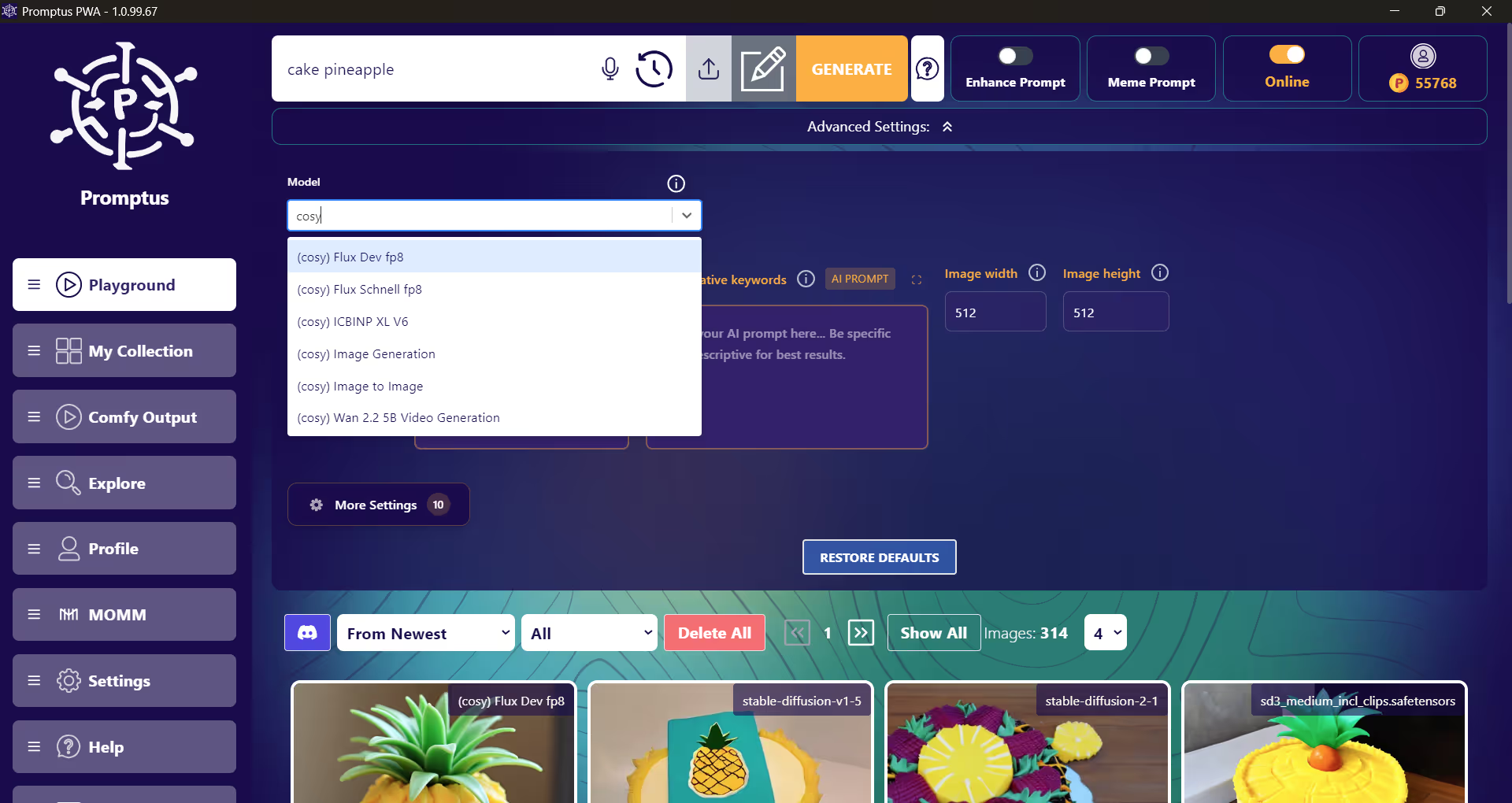
When you launch (cosy) ACE Step v1 M2M Editing in Promptus playground, you enter a ComfyUI workflow already preloaded with all the necessary nodes:
- ACE-Step Model Loader → Loads the pretrained model weights.
- Lyrics Node → Lets you write or edit structured lyrics, supporting 19 languages.
- Tags Node → Controls style, instruments, tempo, and genre.
- M2M Editing Branch → Allows you to input existing audio for transformation.
- Output Nodes → Preview audio directly, then save/export.
No wiring. No missing nodes. Just creative inputs.
How to Generate Music with This Workflow
1. Text-to-Audio (from scratch)
Start with only text prompts:
- Tags describe the style and instrumentation.
- Lyrics define the vocal line.
🔹 Example:
- Tags:
"dream pop, ethereal synths, soft drums, 100 bpm" - Lyrics:
[verse]
In the glow of fading light
I find the stars, I feel the night
[chorus]
Carry me where the silence sings
Into the sky on silver wings
The model generates a full audio track with vocals, melody, and accompaniment.
2. Audio-to-Audio (remixing & editing)
Upload an existing song or audio clip, then guide the model with new tags and lyrics.
🔹 Example:
- Input: an upbeat pop song.
- Tags:
"dark synthwave, pulsing bass, cinematic feel" - Lyrics:
"Shadows rising, neon glowing, time is slipping through my hands"
The output preserves rhythm/melody from the original, but transforms style and vocals.
3. M2M Editing (machine-to-machine transformation)
This is the “editing” power of the CosyFlow: take model-generated or external audio and apply direct machine-to-machine transformations.
Use cases:
- Change a song’s language while keeping melody.
- Swap genre but keep the vocals.
- Extend music beyond its original length.
🔹 Example:
- Input: a folk acoustic recording.
- Tags:
"flamenco guitar, Spanish rhythm, lively claps" - Lyrics:
[es]
Cantando bajo la luna
El ritmo vive en mi corazón
The model outputs the same song structure, but with Spanish vocals and flamenco instrumentation.
Visual Workflow
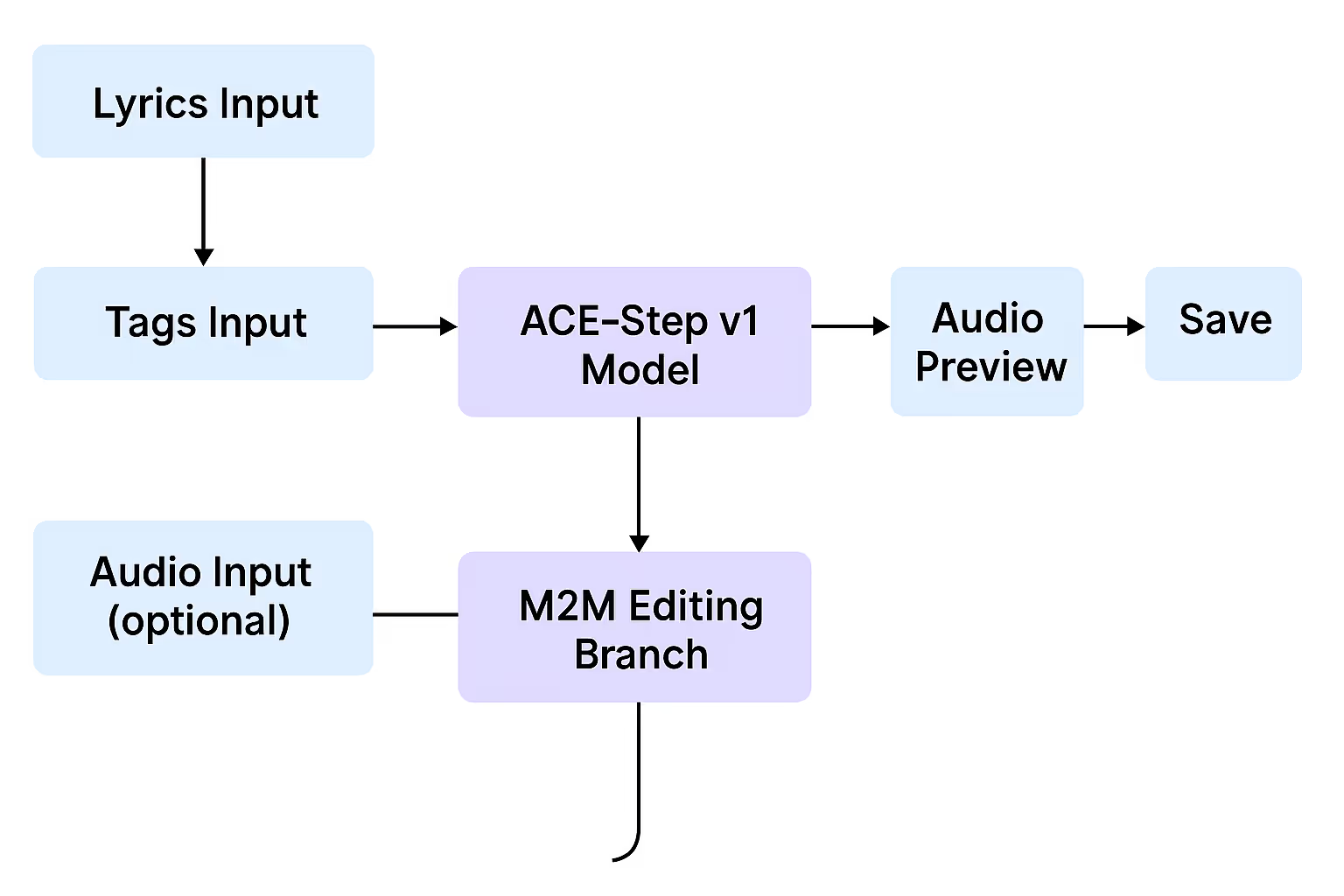
This shows how the three generation modes flow into the same output stage.
Why This Matters
- Problem: Traditional ComfyUI workflows were too technical, hard to set up, and fragmented.
- Solution: Promptus CosyFlow packages ACE-Step into a ready-to-use ComfyUI Canvas, lowering the barrier so creators can focus on artistry, not engineering.
By giving three ways to generate — from text, from audio, or via M2M editing — the workflow covers the full spectrum of creative needs: from scratch composition, remixing, to transformative editing.
✅ In short:
“(cosy) ACE Step v1 M2M Editing” is a plug-and-play creative playground inside Promptus. It takes one of the most advanced open-source music models (ACE-Step) and makes it usable for musicians, producers, and hobbyists without the setup pain.