Your Complete Guide to AI Agents

This is a practical walkthrough, not a conceptual overview: how to actually set up a simple agent-style workflow in Promptus using CosyFlows, no code required.
Step 1: Define the single goal
Start with one specific, well-scoped outcome - "generate 5 product image variants from one reference photo," not "automate our whole content pipeline." A narrow first workflow is easier to build and easier to trust once it's running.
Step 2: Build the workflow in CosyFlows
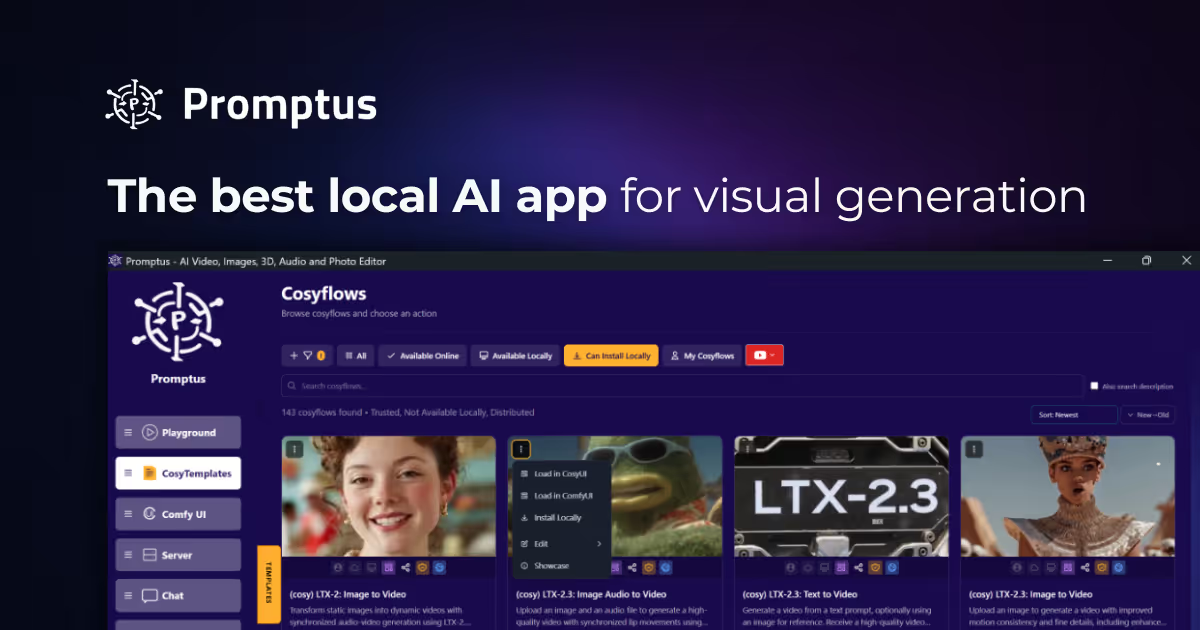
Use Promptus's drag-and-drop CosyFlows editor to chain the steps - input, model selection, any style or reference conditioning, and output format - into a single reusable flow instead of running each step manually every time.
Step 3: Run it and check the output against your goal
Run the flow once, and compare the result against the specific goal from step 1 - not against a vague sense of "is this good." A clear target makes it obvious what to adjust.
Step 4: Save it as a reusable template
Once a flow produces reliable results, save it as a template so the same workflow can be reused - and shared with a collaborator - without rebuilding it from scratch each time.