Image to Video

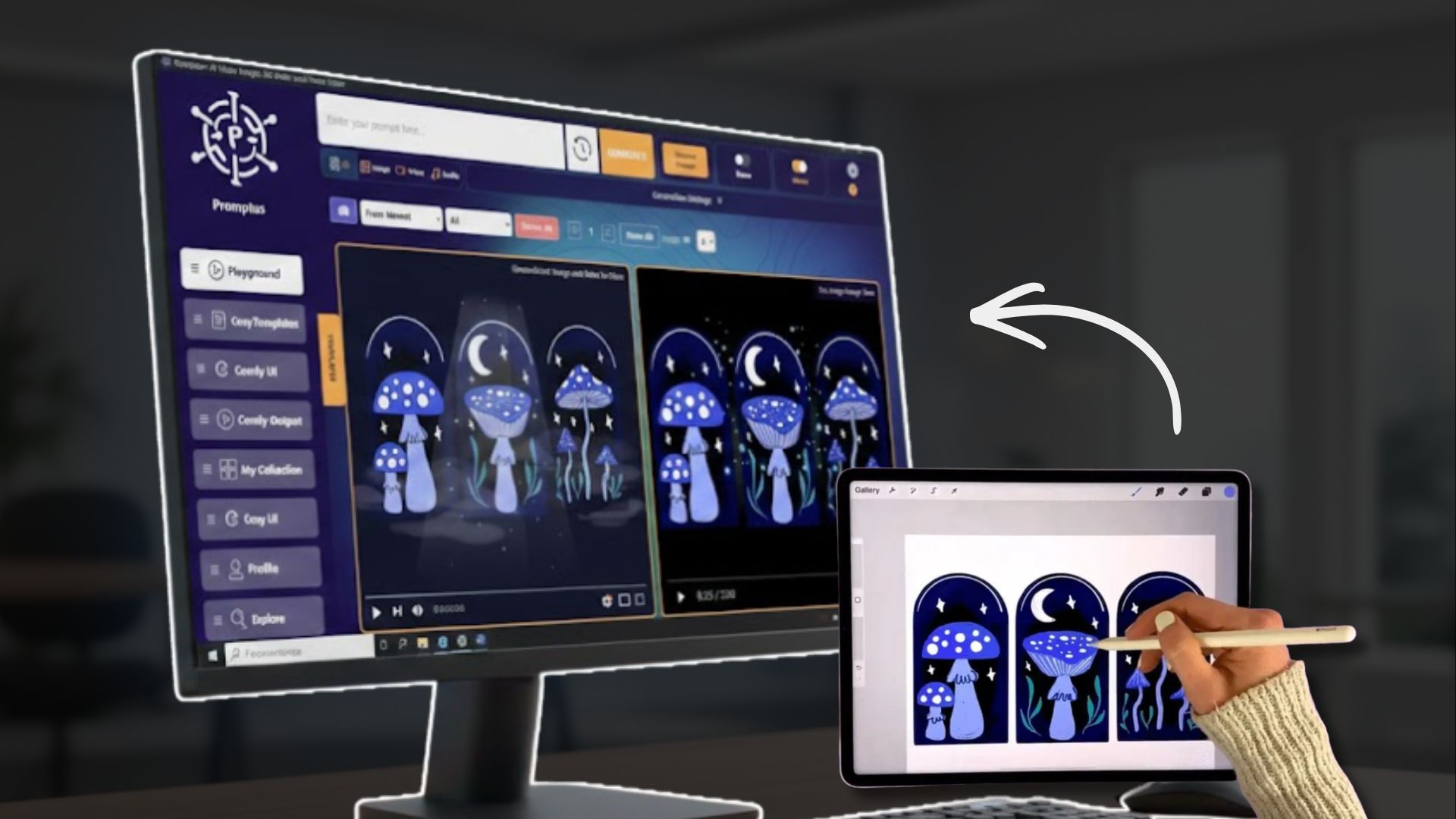
Promptus AI video generation platform lets you make images to videos. Create videos using an image as a starting or ending frame reference.

Bring your images to life at affordable image to video costs

Using this feature will make creating AI videos faster and more consistent. Turn static visuals into dynamic motion content for reels, stories, or product demos. With Image to Video, you can take any photo or AI-generated art and turn it into a high-end cinematic clip in seconds. Whether it’s for a TikTok transition, a scroll-stopping Reel, or a product demo, our engine handles the physics and motion so your content actually feels alive.
Try Promptus for free ➜
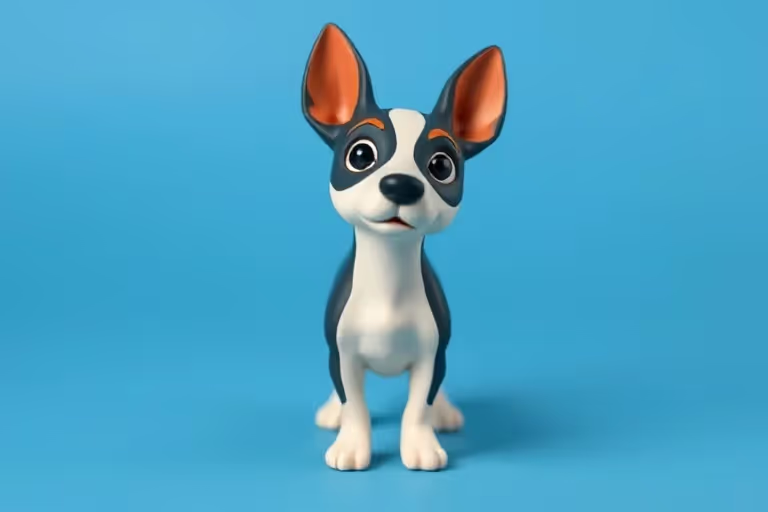
image to video
image to video

Upgrade every pixel with consistent video motion

Transform stills into scroll-stopping motion content that gets clicked and shared. By using your own image as a starting or ending frame, you stay in total control of the look from start to finish. It’s the fastest way to create professional-grade video assets that stay perfectly on-brand, helping you go from a single design to a viral-ready video without touching complex editing software.

Image to
Video:
FAQs

Nah, but you do need some decent specs. Since Promptus uses your own GPU to skip the "Cloud Tax," we recommend at least an NVIDIA RTX 3060 (8GB VRAM) for a smooth experience. If your gear is older, you can always switch to our Cloud GPU mode and let our servers do the heavy lifting.
Right now, it’s built for "scroll-stopping" moments—usually 2 to 5 seconds of high-quality motion. It’s perfect for Reels, TikToks, and loops. If you want something longer, you can chain clips together or use our "Extend" feature to keep the vibe going.
Yep. You can add in the prompt things like extra movement. Crank it up if you want a chaotic action shot, or keep it low for a subtle, cinematic breathing effect. You’re the director; the AI is just the camera crew.
If you're using the Promptus Local App with your own GPU—yes. We don't charge you for the electricity or the pixels your own card renders. You can keep that thing running 24/7 generating clips for your portfolio without ever paying a "per-generation" fee.
Anything standard works—JPEGs, PNGs, or even images you just generated in the Promptus "Text to Image" tab. The AI will output a clean MP4 or GIF that's ready to drop straight into CapCut or Premiere.
Anything your original image supports! Our motion engine preserves the style perfectly.
Cinematic 3D
Anime Motion
Product Demos
Trippy Loops
Try Image to Video on Promptus

Run Promptus on your own hardware. Since you’re using your own GPU to power the AI, you get unlimited video generations for free. No monthly subscriptions, no low credit warnings, and no waiting online. When your PC is on, the Promptus app is open—create as many 4K video clips and scroll-stopping reels as your GPU graphics card can handle.

Start using Promptus
Just create your
next AI workflow
with Promptus
Try Promptus for free ➜