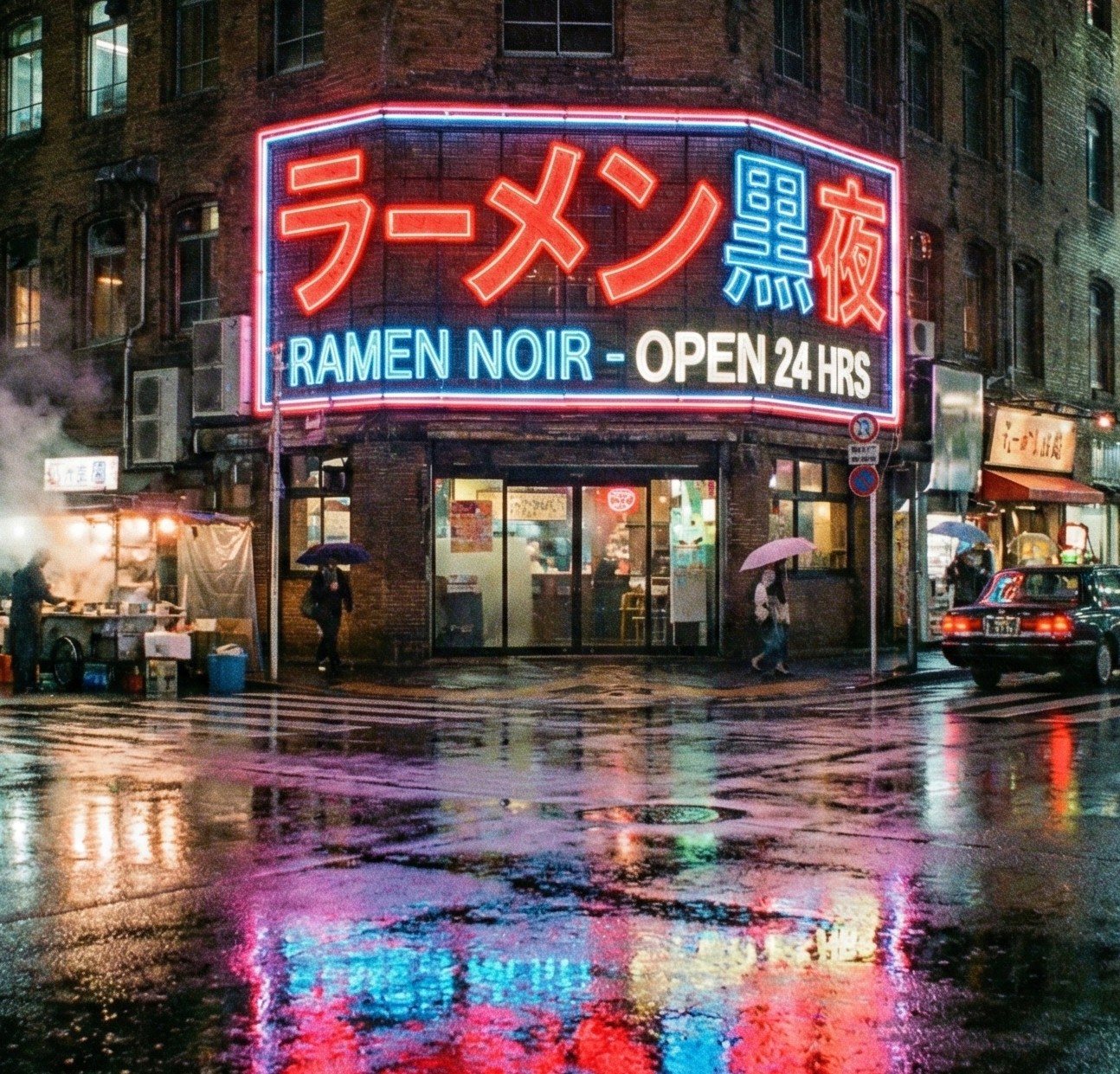
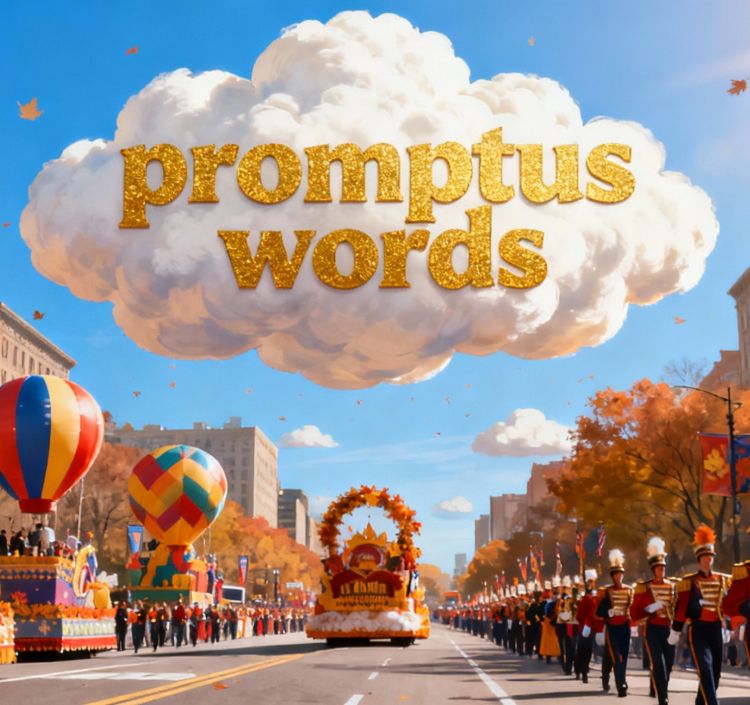
Add text and generated AI image ads with custom logos. Generate smooth, styled curved text for logos, stickers, or headlines automatically sized and positioned.
Professional Quality
Design pro-looking layouts without manual tweaks great for creatives and brands. Apply text arcs and curves to create stylized headlines or badges in seconds.
Add smooth, dynamic curved text for logos, stickers, or graphic headers styled and aligned automatically.
Curved Text & Design: FAQs
You can generate visual content where text follows a specific curvature by adding the Curved Text node to your workflow. This allows words to automatically adapt to logos or circular shapes in both static images and video clips.
The system lets you use specific fonts and control the aesthetic through prompts. You can copy existing visual styles from a reference image or create entirely new typographic designs by adjusting curvature, thickness, and text texture.
Yes, all text rendering processes are compatible with ComfyUI (CosyUI). You can combine video generation nodes with advanced typography nodes to create ads or animations where the text and image evolve together organically.
Simply describe the look you want for your text. The AI interprets your instructions to apply materials, shadows, or neon effects while maintaining the exact curvature you define for your headlines or badges.
Absolutely. By integrating workflows in CosyUI, you can lock the font and curvature so the text remains stable or animates fluidly without losing its visual style across video frames.
Just start creating
Wrap text around logos, badges, and visuals to create dynamic layouts with visual rhythm.