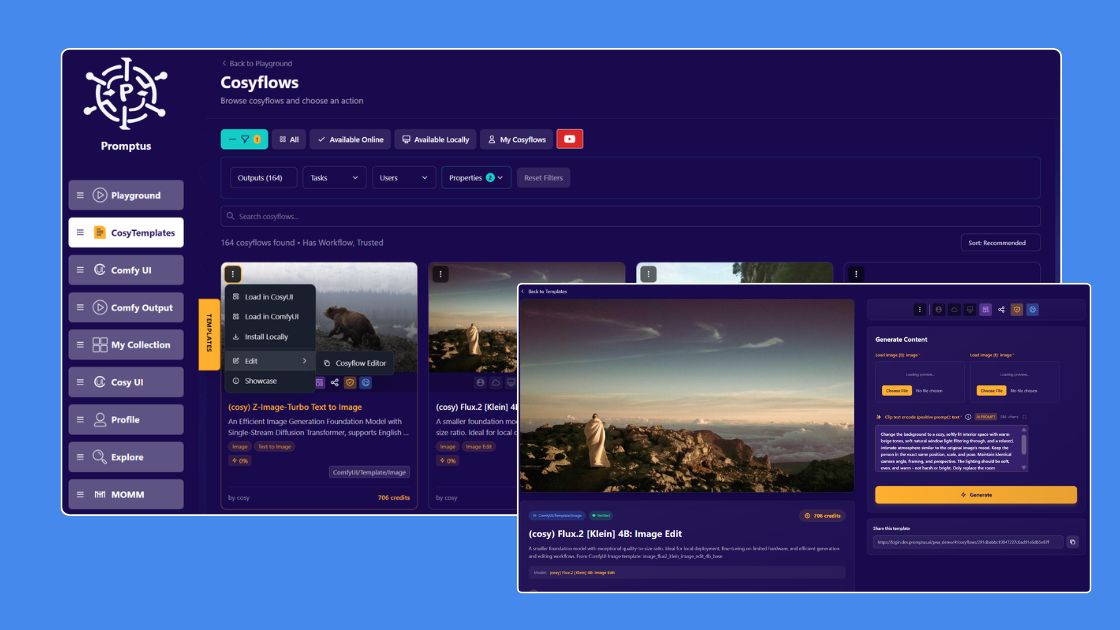
Turn any quote into a branded visual post with smart layout, imagery, and formatting.
Create Quote Visuals: FAQs
Paste your quote into the Create Quote Visuals tool, choose a style or template, and Promptus automatically generates a layout with typography, spacing, and background visuals. You can then refine the design before downloading the final post.
Yes. You can adjust fonts, layout, text alignment, colors, background imagery, and branding elements. This makes it easy to keep all your quote posts visually consistent while still using AI to speed up the design process.
Absolutely. Promptus lets you add a logo or watermark to your quote visuals so your content stays branded and recognizable when shared across social platforms.
Yes. The AI can suggest relevant background images, textures, and visual styles based on the meaning and mood of your quote. You can keep the suggested visuals or replace them with your own.
You can export quote visuals in formats suited for social media and web use, including PNG, WebP, SVG, and high-resolution image formats. Promptus can also help you create visuals sized for posts, stories, and other content layouts.
Be a Creator
Design social-ready quote cards in seconds with aligned visuals and bold typography.