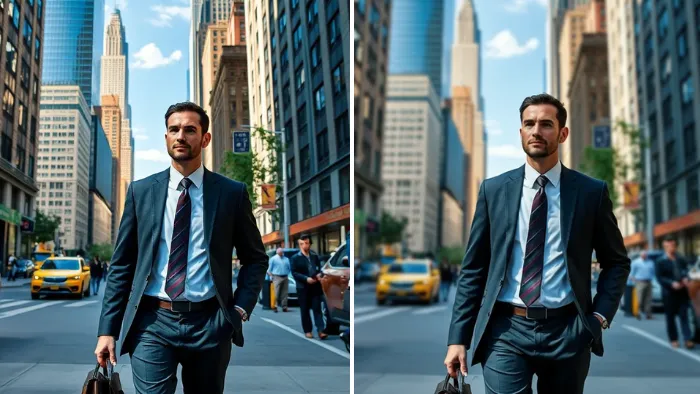
Blur Background uses AI to blur background with ease and precision. It helps creators achieve professional results faster.
Professional Quality
Focus attention on what matters great for social, portraits, and product images. Instantly separate your subject with natural depth-of-field effects that look pro-even on mobile.
Blur Background helps creators produce polished looks for portraits and products.
Blur Background: AI Workflow FAQs
Promptus connects you to powerful models like SeeDream 5 and specialized workflows. Instead of manual masking, you just use a simple prompt or select the Blur Background workflow, and the AI automatically identifies the depth and applies the effect for you.
Not at all. We’ve designed Easy Prompting so you can just type "blur background" or "cinematic focus." The app handles the complex backend instructions to the model, giving you pro results without the technical headache.
Yes. Promptus gives you access to a variety of models. If one model's blur style doesn't fit your vibe, you can quickly switch to another to see how it handles the depth and bokeh differently.
If you're using the Promptus Local App, yes. It runs these heavy AI models on your own GPU. This means you get unlimited background blurs without paying for cloud credits or subscriptions.
Because we use top-tier models like SeeDream, the AI is incredibly good at "seeing" tricky areas like hair and transparent objects. It keeps your subject sharp while creating a clean, professional separation from the background.
Try Blur Background
Focus viewer attention with soft depth-of-field effects that elevate your subject.