Download Promptus with ComfyUI
promptus ai
promptus
promptus generative ai platform
  • ComfyUI
    ComfyUI
    MoMM
    MoMM
    Create Video
    Create Video
    Image Editing
    Image Editing
    Prompt Enhancer
    Prompt Enhancer
    AI Image Generator
    AI Image Generator
    AI Backgrounds
    AI Backgrounds
    All tools
    All tools
    Product
    CosyTemplates
    CosyTemplates
    ComfyUI Installer
    ComfyUI Installer
    ComfyUI Offline
    ComfyUI Offline
    Microsites
    Microsites
    AI Video
    AI Video
    AI Models
    AI Models
  • Local AI
    Local AI
  • Blog
    Blog
  • Pricing
    Pricing
EN
ES
ES
FR
FR
DE
DE
Download App
Download App
Start Creating
Start Creating
Promptus vs ComfyUI

No more broken
Saturdays.

Promptus runs on the ComfyUI backend. Your workflow.json loads as-is. Your custom nodes work. The dependency hell doesn't.
Download & Import Your workflow.json Try in Browser
Buy once. Own forever. No subscriptions. No cloud lock-in.
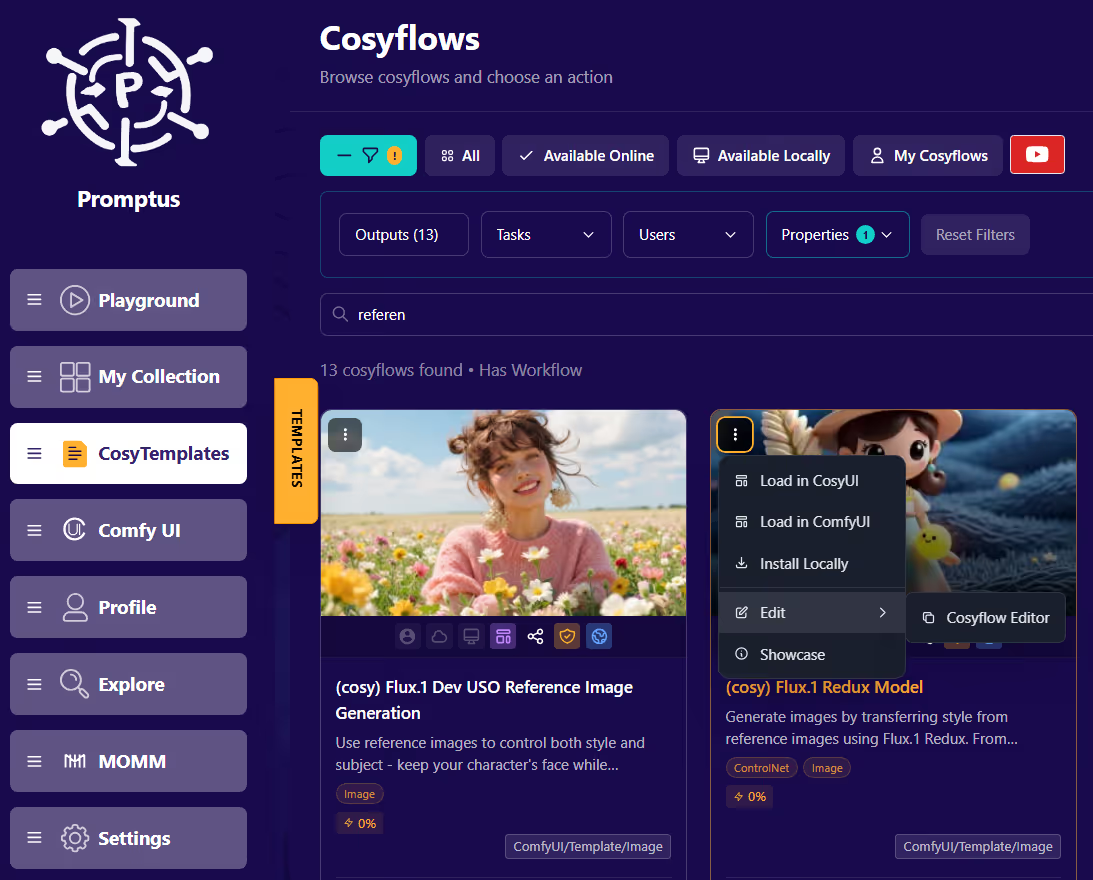
Promptus Cosyflows interface showing templates, filters, and workflow options
Don't by Comfy, when you can be Cosy!
150+
Cosyflows to run or fork
50+
Open-source models
Local
Private by default
Buy Once
No subscription drag
Real Output, Real Workflows

Iterate faster. Stop restarting the server.

You know how to make great images. Promptus just gets you to the next generate without the crash loop.

Promptus output gallery showing detailed creative results
Hunyuan workflow running locally
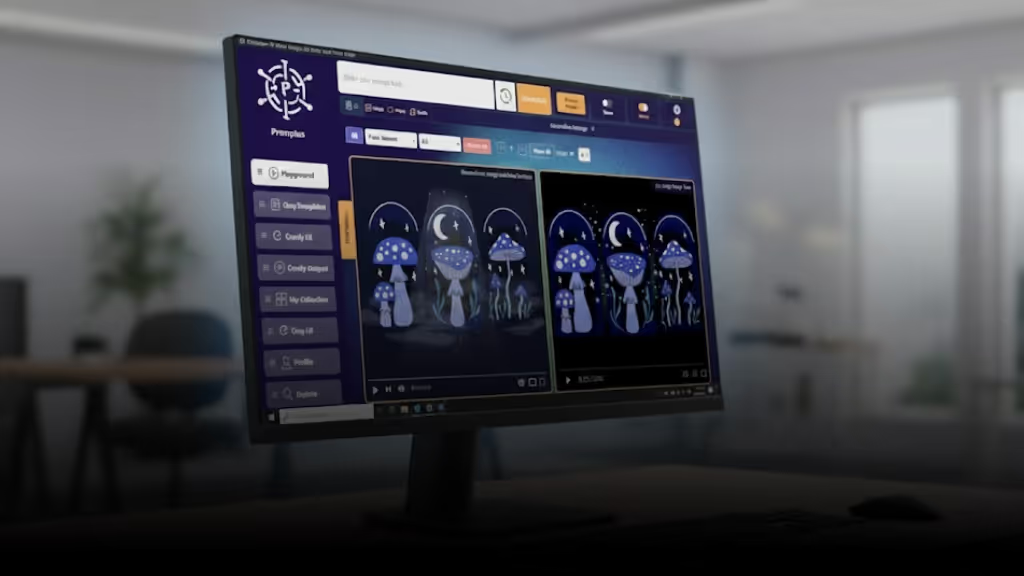
Promptus workflow screen and reasons to switch
No dependency conflicts. Just generation.
See the Workflow Demo
The Problem Isn't You

Your workflows are solid. Your environment isn't.

You've tuned ControlNet by hand. You've fixed broken nodes at midnight after a silent update. The skill is there — dependency fragility is the bottleneck. Promptus handles the environment so the skill is all that matters.

  • SDXL and Flux in isolated environments — no Python conflicts between them
  • workflow.json imports with full node fidelity
  • Automatic VRAM management — no manual --lowvram guesswork
  • Environments pinned to the version that works, until you say otherwise
Promptus product montage showing workflow UI and supported models
Direct workflow.json import Isolated environments per workflow Full custom node support
How It Works

Generate in three steps.

If you already have a workflow, you're most of the way there.
Promptus step 1 opening a workflow or importing a ComfyUI JSON file

Your workflow.json. No conversion, no remapping.

Same ComfyUI engine reading the same file format. Custom nodes included — missing ones throw the same error you'd see anywhere else.
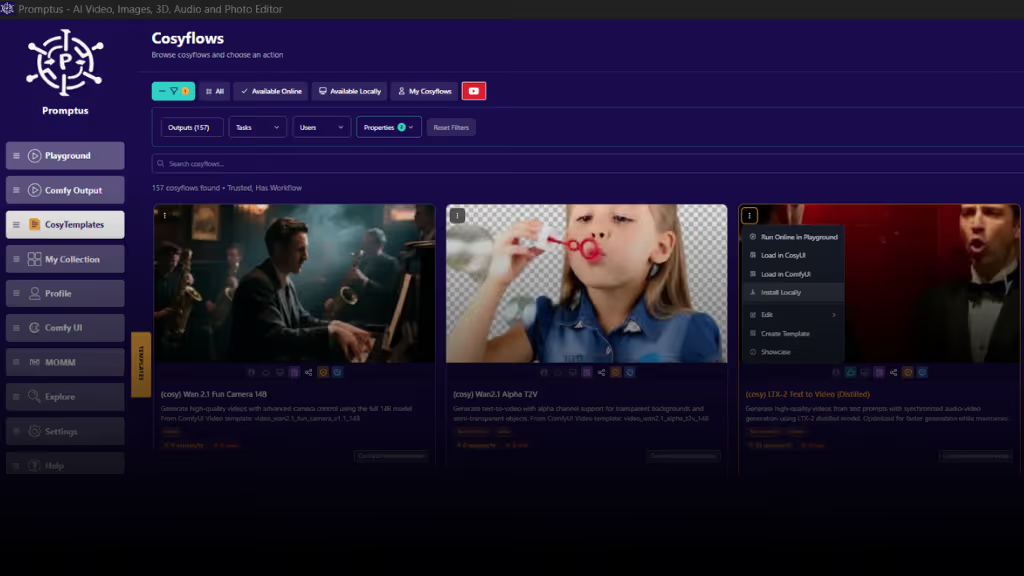
Promptus step 2 selecting a workflow in Cosyflows

Every Cosyflow is a starting point, not a ceiling.

Run it once to validate. Open the JSON. Customize from there.
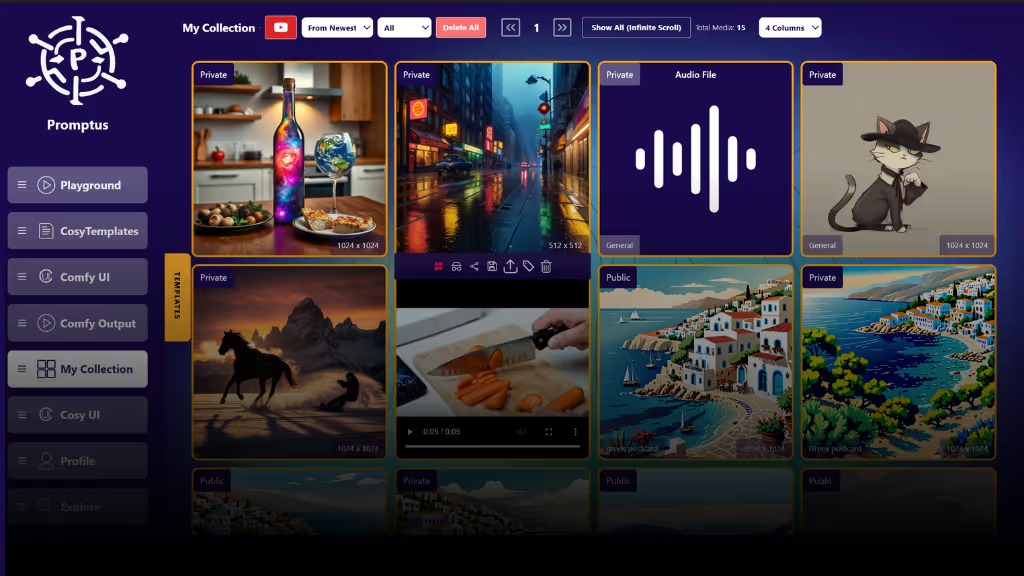
Promptus step 3 output ready screen

Stable. Repeatable. No babysitting.

VRAM managed, dependencies isolated, workflow runs the same way every time.

Download & Import Your First Workflow
Under the Hood

Same engine. Better operating layer.

Promptus sits on top of ComfyUI — it doesn't replace the engine or lock the nodes. It handles the parts that break so you spend time on the parts that matter.

ComfyUI backend Full custom node support Local-first Open JSON format
Try Promptus Free
Category
Raw ComfyUI
Promptus
Python environment
Manual venv management
One pip install can detonate your entire stack.
Isolated per workflow
SDXL and Flux run in separate environments. No conflicts.
Custom nodes
Full access, manual install
You manage version conflicts yourself.
Full access, still manual install
No whitelist. git clone into the backend, same as always.
workflow.json
Native format
The source. Everything starts here.
Direct import, no conversion
Your existing files load as-is. No node remapping.
VRAM management
--lowvram flags and guesswork
OOM crashes kill runs mid-batch.
Auto-profiled per workflow
Hardware detection runs before your job starts.
New models / LoRAs
Download and wire manually
You know the drill. It just takes time every time.
Download and point — same as ComfyUI
No waiting for Promptus to "support" new checkpoints.
After updates
Rebuild and debug
Node maintainers ship breaking changes. You absorb it.
Pinned until you update
Update on your schedule, not a node author's.
From the Community

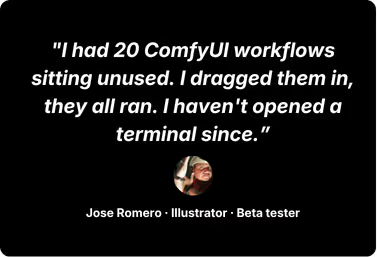
ComfyUI users who wanted more generating time, not a simpler tool.
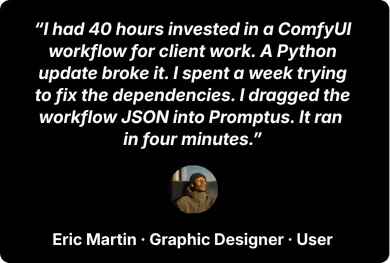
Promptus testimonial from illustrator beta tester Promptus testimonial from graphic designer user
Download Promptus
What is Promptus?

Frequently asked questions

Does my existing workflow.json load with full fidelity?

Yes — direct import, same ComfyUI engine, no conversion step. Node connections, sampler settings, and model paths load exactly as built.

Can I still install custom nodes from GitHub?

Yes. No whitelist, no approval process — git clone into the backend, same as raw ComfyUI.

Is this just a UI wrapper that hides my nodes?

No. It's a management layer on top of the ComfyUI engine — the engine is untouched. Dependency isolation and VRAM handling change; your node control doesn't.

What happens when a new LoRA drops on Civitai?

Download it, point Promptus at it. No waiting for the team to add support — the engine reads whatever checkpoint you give it.

Why pay for this when ComfyUI is free?

You're paying for the operating layer, not the engine. If you've never rebuilt a broken Python environment on a Sunday, raw ComfyUI is fine. If you have — this is for you. One-time purchase.
Get Started

More generating. Less environment management.

ComfyUI engine underneath. Your workflow.json loads as-is. Any custom node from GitHub. The only thing that changes is how often your stack breaks.

Download Promptus See the Workflow Demo
One-time purchase. No subscription. Full ComfyUI engine underneath. No gatekeeping on nodes or models.
promptus logo
ai image instagrampromptus youtubeai image platformai image app facebook promptusai image app for creatives Promptus_discord
ai video platformuncensored ai image generator promptusai image app promptus product hunt
Download App
Download App
AI tools
  • ComfyUI Workflows
    ComfyUI Workflows
  • AI Video Generator
    AI Video Generator
  • Image Describe
    Image Describe
  • Prompt Enhance
    Prompt Enhance
  • AI Meme Generator
    AI Meme Generator
  • Wan 2.5 Text-to-Video
    Wan 2.5 Text-to-Video
  • Google Nano Banana Pro
    Google Nano Banana Pro
  • 3D Generator with Blender
    3D Generator with Blender
  • Comparisons
    Promptus vs Automatic1111
    Promptus vs Automatic1111
    Promptus vs ComfyUI
    Promptus vs ComfyUI
    Promptus vs Invoke
    Promptus vs Invoke
Free tools
  • AI Models
    AI Models
  • AI Image Generators
    AI Image Generators
  • ComfyUI Offline
    ComfyUI Offline
  • ComfyUI Articles
    ComfyUI Articles
  • Easy ComfyUI Installer
    Easy ComfyUI Installer
  • Image Compress
    Image Compress
  • Background Remove
    Background Remove
Models
  • DreamActor M2
    DreamActor M2
  • Seedance 2.0
    Seedance 2.0
  • LTX Studio
    LTX Studio
  • Veo 3 Video
    Veo 3 Video
  • Nano Banana
    Nano Banana
  • Flux Image
    Flux Image
  • Wan Video
    Wan Video
  • Opensource
    Opensource
  • API models
    API models
Company
  • Download
    Download
  • Pricing
    Pricing
  • Affiliates
    Affiliates
  • Brand Assets
    Brand Assets
  • AI Maker
    AI Maker
  • About
    About
  • Contact
    Contact
  • Blog
    Blog
  • FAQs
    FAQs
© Promptus 2026 All rights reserved.

End User Terms & Privacy